

In-house test automation vs automation platforms: Which approach works better?

Dmitry Reznik
Chief Product Officer

Summarize with:
70% — this is an average online shopping cart abandonment rate. Customers will abandon buying from you for many reasons: they were just window shopping, they didn’t trust your website, they encountered poor website/app performance, etc.
We cannot fix customer intents, but we can help you fix technical issues with proper software testing.
One pillar of the challenge is that modern buyers want more, better, and faster. This, in turn, speeds up the release cadence to cover all those demands in your digital products.
To handle such a tempo, leadership signs off on test automation and gets on the fence: build the framework internally or adopt a dedicated platform?
Many companies want to play it safe and choose to build in-house. And well, we won’t sell you the air — this approach can really be a safer bet: full control over the stack, no vendor dependency, and the ability to tailor everything to the product’s/team’s needs.
In some other cases, you might need to prioritize speed and smoothness. So, you would opt for automated testing tools to record user flows, run some tests, and iterate faster.
What most teams discover later is that both assumptions were partially wrong… and partially right, because the devil is in the details.
Keep reading — we break down both approaches honestly. What each actually costs, where each works well, and where each tends to create problems the team didn’t usually anticipate.
We’ll slightly touch on data control, access policies, and hidden pitfalls of going all-in on large SaaS ecosystems.
What is in-house automation?
In a broad sense, it is full ownership of your testing system. You plan, execute, control, and adjust every single layer:
- Determining the software impact on your business
- Understanding customer intent
- Choosing an architectural solution
- Choosing tools and writing test scripts
- Assigning ownership for managing the infrastructure
and more, and more, and more
If we take a down-to-earth sense, it means:
- Build a framework architecture from the ground up: Folder structure, Page Object Model or equivalent, shared utilities, reporting setup, test data management
- Choosing a relevant testing library/framework: Jest, Cypress, Appium, or Cucumber. There is also room for a hybrid
- Proper configuration: The CI/CD pipeline should trigger test runs automatically
- Environment and related supervision: Managing test environments, browser drivers, and execution infrastructure
- Legacy and handover: Maintaining all of the above with product and team growth. Ensuring a “tech heritage” for new employee “generations”.
A Python-based framework using pytest and Playwright behaves very differently operationally from a Java setup using TestNG and Selenium. It expresses nuances in dependency management, CI configuration, debugging toolchain, and other aspects.
The idea we should accept despite tech gurus — any option can work well, but neither is a neutral choice.
In-house is so popular due to the owner’s desire for control
Again, it is not a versatile explanation, but in practice, it is the fear of losing control that forces CEOs, founders, and tech leadership in general to build all functions in-house.
Regarding QA automation, this is shown in the framework structure, the test standards, how tests integrate with the product’s authentication flows, internal APIs, or proprietary data formats.
On the other hand, there’s no:
- Vendor dependency
- Feature requests to external roadmaps
- Negotiating some additional features for the testing tool to cover some features or flows you need
So, yes — custom frameworks are an absolutely adequate choice with more control and flexibility.
The trade-off is that this requires operational discipline and responsibility to build proper end-to-end testing.
Let’s say you have a strong in-house engineering team. And you’ll also need to dedicate it to evolving the framework over time, alongside building.
In turn, this requires leadership buy-in and proper resource allocation. This may slow down the project’s pace with the decision-making and approval process.
What are test automation platforms?
Set to accelerate quality assurance teams, autonomous testing platforms fed the fire of rising AI fear. Yet, as of 2026, many tech specialists find more evidence that AI is not a replacement but a buddy.
Testing platforms provide the tools, infrastructure, and execution environment for creating and running automated tests. Many don’t require building or maintaining those components themselves.
There are fully codeless platforms, and others support scripting but handle infrastructure and execution centrally.
Integrated tools for creating and running automated tests
The main benefit is a cohesive workflow. Before, teams had to combine separate tools and lacked end-to-end analytics regarding the testing system’s health.
Now, everything you need for comprehensive coverage is here: test creation, execution, advanced reporting, failure screenshots, video replay, and CI/CD integration.
Perfectly suits small teams that are looking for their product market fit, since they have to test many hypotheses and, therefore, the product changes frequently.
They can write and run automated tests quickly, with support for web, mobile, and API testing from a unified interface, along with documentation and onboarding
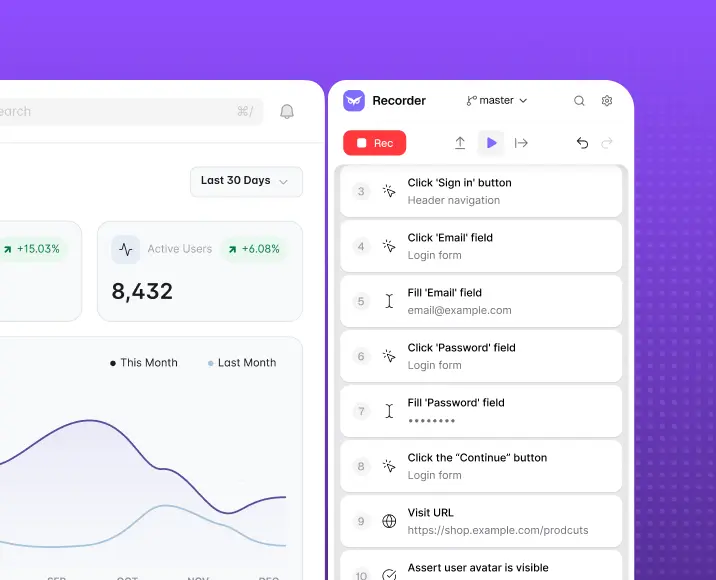
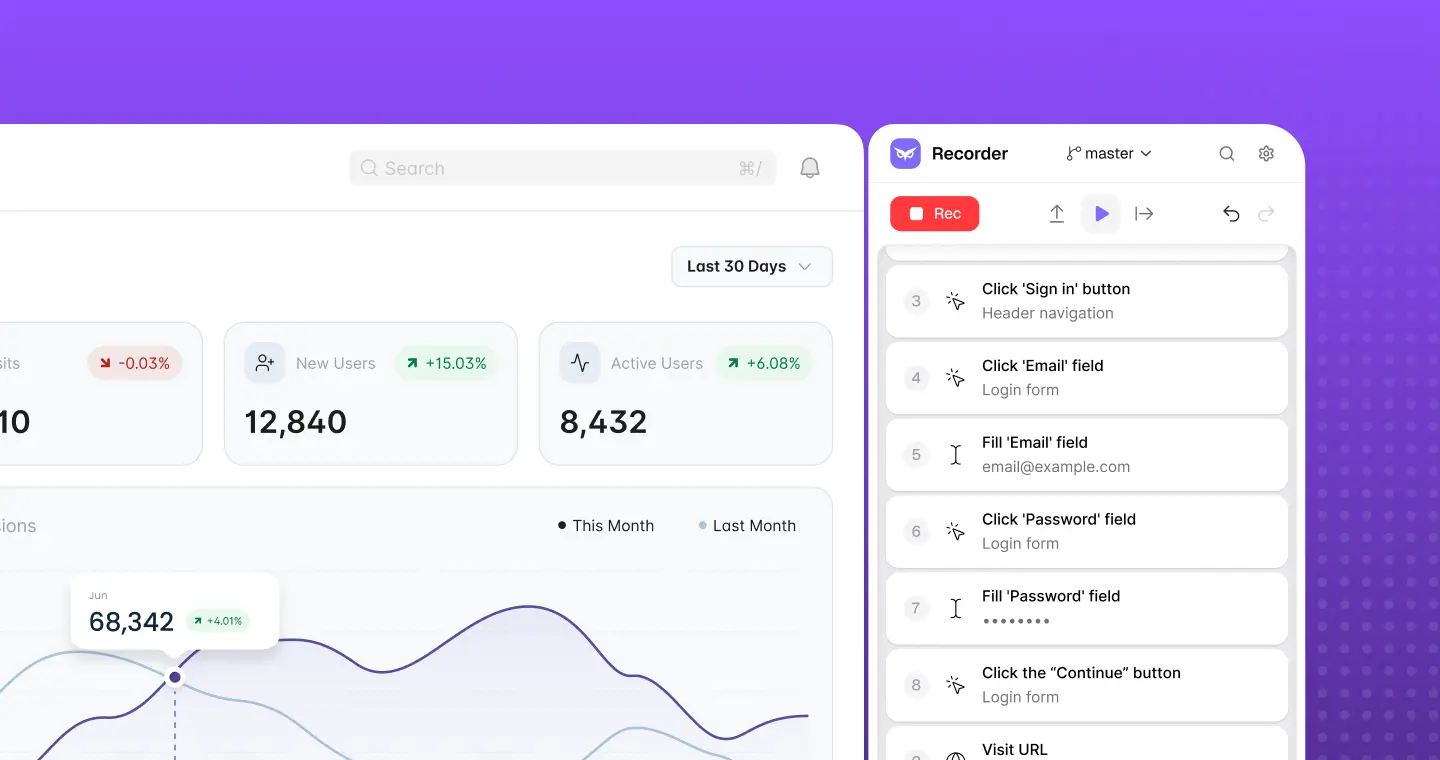
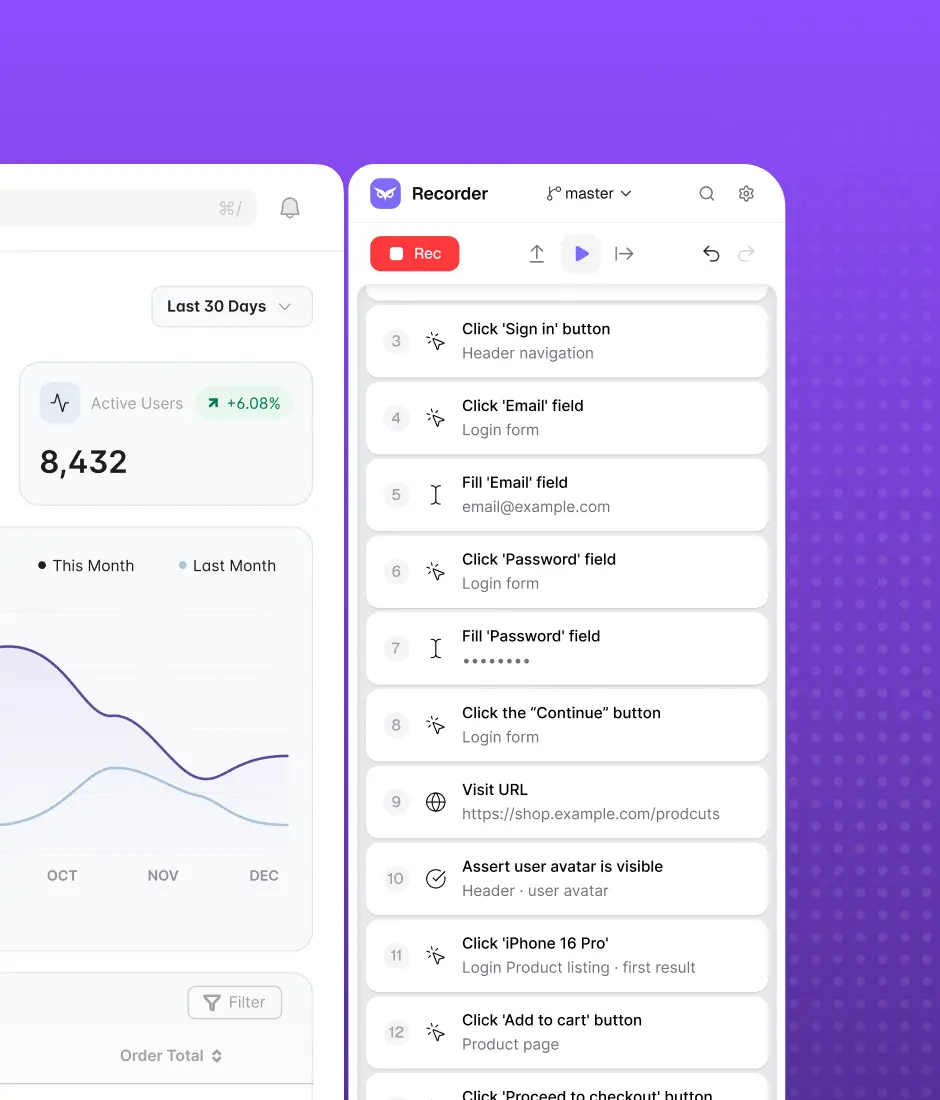
Some platforms take this further — they allow teams to record real user flows directly in the browser, then automatically convert those recordings into automated tests.
Built-in infrastructure
You do not need to provision containers, manage local device grids, or negotiate cloud compute minutes with your DevOps team.
Modern platforms take on these environmental issues. Tests run in the vendor’s cloud and execute hundreds of tests simultaneously to quickly verify key user journeys before every release.
Simplified automation workflows
This is why many tech founders prefer modern solutions — they free them from making tough decisions.
Not entirely, but test automation tools provide all the info tech leadership needs to make these decisions easier and at least more informed. Framework architecture, locator strategies, reporting configuration, retry logic — some of these platforms can handle and some can ease off.
The journey “we want to automate → automated tests are running in CI” is more straightforward for many teams:
- Early-stage product teams: Weekly shipping, frequent regression cycles can be covered by one engineer or even a tech-savvy product manager in days (on average).
- Teams without dedicated automation engineers: Most QA teams include manual testers with domain knowledge but limited scripting experience. There is a flow recording and a low-code feature for that. As a founder or a tech leader, you just need people who understand the product’s behavior; no need to code.
- Teams scaling coverage under time pressure: Rebuilding coverage from scratch with an in-house framework takes months. Modern intuitive testing tools compress that timeline, preparing these teams for a major release, stabilizing them after a pivot, or during a period of rapid feature development.
Implementation time: in-house vs AI-powered platforms
We’d say the most critical metric here is time-to-value. On the one hand, when the automation initiative gets long-winded, it fogs expectations and initial goals. On the other hand, iterations help fine-tune the workflow, and sometimes it takes longer than expected.
The timelines depend hugely on the implementation team, their expertise, and flexibility. However, core nuances of in-house building and adopting an off-the-shelf tool are stable.
In-house automation
Whether for good or for bad, but the starting point here is zero. The journey may differ depending on the niche, but the general steps usually include the following:
- Framework design: Head of QA sets the goal and expectations, engineers evaluate tools, architecture and environment configuration, CI/CD integration, and test data setup with API mocking and reporting.
- Infrastructure setup: The DevOps team configures Docker containers, provisions parallel CI/CD runners, and sets up robust, crash-proof test environments.
- Writing initial tests: Engineers script the first batch of tests.
An example: If a team of three engineers builds a Playwright framework to cover 100 core business flows, the framework design and infrastructure setup alone will likely consume the first month. Writing, debugging, and stabilizing those 100 initial tests will take another 3 to 4 months.
Only then can we assess the practical feasibility.
Test automation platforms
Modern testing software changes the time-to-value equation — it just eliminates the setup phase. You still need to set up the tool itself, but it’s way faster than the infra setup.
Among the main benefits:
- Faster onboarding: QA team members can access directly in a browser, and an intuitive interface allows non-tech specialists to contribute to product quality.
- Pre-built infrastructure: All you need is in one pocket — modern autonomous tools already have the cloud infrastructure for parallel execution and log aggregation. Some of them allow video capturing of the user flows.
- Tailored actionable reports: A tester needs one kind of insights, a Head of quality another kind, and a Project manager — a third type. Many AI-powered testing tools fulfill this need.
An example: A tech specialist (and non-tech too) can record the top ten revenue-generating workflows in a few hours, and have them running in the cloud pipeline by the end of the day — the team achieves a baseline regression safety x5 faster.
*Rough estimation, just for understanding
Maintenance effort required for both options
The first mistake is to underestimate the time required for a setup. The second one is thinking that it’s a set-it-and-forget-it story. It isn’t.
In-house automation framework maintenance
Always remember — every code change potentially creates maintenance load, and you need someone to find the suite failure, diagnose whether it’s a real bug or a test issue, fix the script, and maybe even fix the fix after that.
- Costly refactoring: The jump from 50 to 1,000 tests increases the execution time and forces high-paid engineers to refactor the underlying code.
- Cascading failures: Every time a developer restructures a UI component or changes a CSS class, the rigid locators in your custom scripts will fail. This triggers the inevitable chain: manually locate the break, rewrite the locator, and commit the fix to restore the pipeline.
- Double-checking dependencies: Here, you get to a double-edged situation. On the one hand, you have to update browser drivers, third-party assertion libraries, and many other aspects to prevent compatibility issues. On the other, compliance — if you are operating within the European Union, you are responsible for your third-party vendors as well (DORA framework). And ensuring both facets takes a lot of attention and time.
Autonomous platforms maintenance
There are also two ways in which AI changes the standard in-house approach: infrastructure updates and self-healing.
1/ Infrastructure: Is able to ensure browser compatibility, configures CI runner, and manages dependencies. The team doesn’t receive a notification that ChromeDriver needs updating — it just keeps working.
2/ Self-healing: When a button is renamed, a selector shifts, or a page layout is restructured, the tool identifies the affected test and adapts automatically.
This way, the platform automatically resolves the broken locators that normally can consume ~50% of an in-house QA team’s capacity.
Let’s break down infrastructure matters in more detail.
Infrastructure and scaling
We often perceive infrastructure as something fundamental and robust a priori. And it really can be, but we only notice pitfalls in this base frame after it breaks or stops something at the worst possible moment.
In-house automation
In this case, the team owns the full infrastructure stack:
- Managing test environments: Local, staging, and pre-production environments need a consistent application state, matching configurations, and isolated test data. The team should continuously keep these in sync with each other and the production environment. Browser auto-updates quietly break driver version parity. Staging database schemas drift from local. A test that passes locally fails in CI because the environment variable isn’t configured correctly in the pipeline.
- Scaling parallel execution: Running tests sequentially in CI usually means 40 to 90 minutes per pipeline run at 500 tests. Parallelization cuts that, but it requires tests to be fully isolated. “Remove” shared state and ensure there are no database conflicts between concurrent runs. The common dilemma is that under-provisioning slows execution, and over-provisioning often increases expenses. Striking the balance and keeping it during the suite’s growth requires active management.
- CI/CD integration: Plugging a framework into a CI pipeline involves managing pipeline YAML configuration, securely handling secrets, deciding which tests block PRs vs. which run post-merge, maintaining Docker images for test environments, and updating all of this every time the CI platform changes something.
Automated testing tools
Most modern platforms have their own cloud storage. Generally, they have in-built infrastructure: They ensure browser compatibility (configure Docker containers, provision VMs, build a device grid, etc.), enable parallel test execution, and autonomous test distribution, based on available capacity.
How AI-powered platforms simplify this:
- Dynamic resource allocation: Instead of provisioning a fixed runner pool, the platform spins up execution capacity on demand and releases it when the run completes. The team pays for what it uses and never manages idle infrastructure.
- Self-healing locators: When a UI element changes, the platform identifies the affected tests and adapts automatically. This way, it reduces the pipeline red-builds that infrastructure teams would otherwise spend time investigating.
- Execution observability built in: Logs, screenshots, and video are captured automatically per test run and surfaced in the platform dashboard.
For a team of 3 to 5 engineers without a dedicated DevOps, the difference can be literally 10-20% of additional coverage.
Flexibility and customization
This point turns our “competition” into a one-horse race — in-house frameworks have a huge leg up over out-of-the-box solutions. However, both approaches have some narrow places.
In-house automation: do-it-how-you-want-it
This way gives the team complete control over the framework’s design, architecture, and behavior. They won’t meet with the vendor team every week to explain the features they need ahead of the peak season.
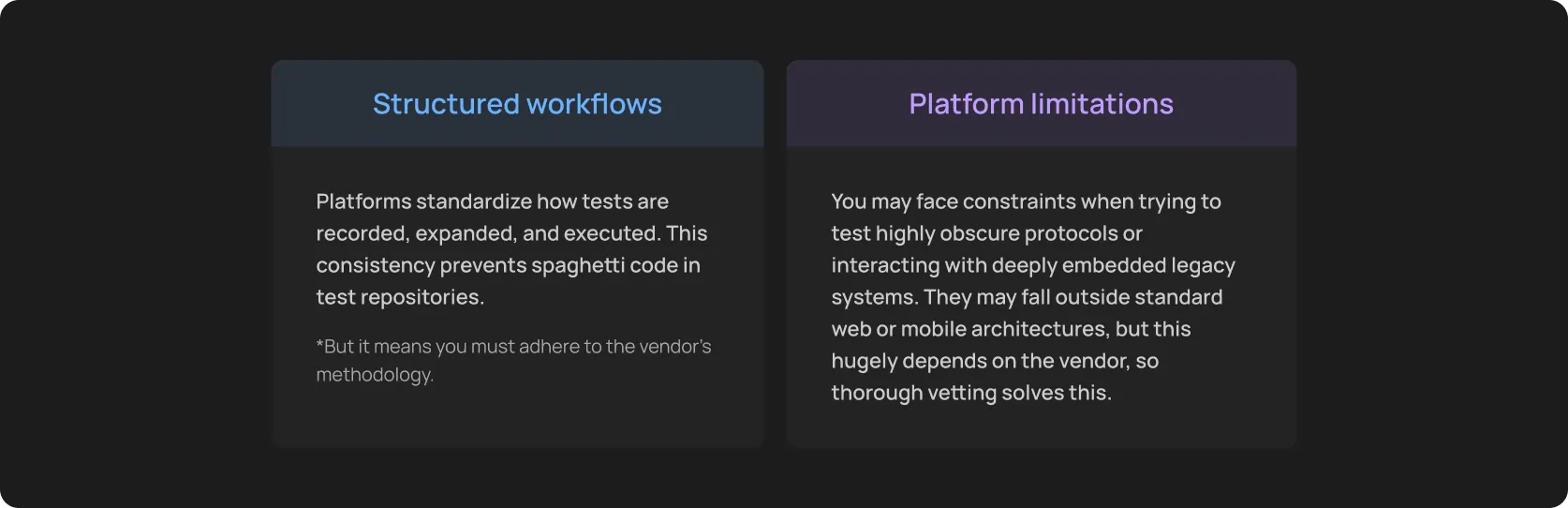
Another side is constraints imposed by a vendor’s opinionated workflow. If the product has a highly specific authentication flow, a proprietary protocol, a custom browser extension, or deeply embedded third-party integrations, the team design framework around those realities.
Custom frameworks make sense when you have scanned the market and your requirements exceed the capabilities of all suitable tools. Or when you operate in a highly regulated/security-first industry — on-premises infrastructure requirements, air-gapped environments, regulated data access.
Frameworks for very special testing needs
1. Selenium WebDriver
The industry standard you can execute end-to-end testing with. Supports Java, Python, C#, JavaScript, Ruby, and others. Best suited for teams that need deep cross-browser coverage, including legacy browsers, or have complex web applications requiring granular control over browser interactions and DOM manipulation. Yet, you’ll need to handle wait and driver management, and will have higher maintenance overhead.
2. Appium
Mobile automation: native, hybrid, and mobile web applications across Android and iOS. Integrates with the Selenium ecosystem and supports all popular languages.
3. Robot Framework
A keyword-driven, highly readable framework that even non-developers can use. It supports web (via SeleniumLibrary), API, and desktop testing. It’s not an advanced framework (yet, it uses unconventional approaches like acceptance, integration, and unit testing) or the one that will suit every team. But teams with mixed technical levels, where shared test ownership is a priority, will leverage it. It is also suitable for acceptance testing in regulated environments.
To be honest, these needs and situations are not that common, but they definitely come with great responsibility (and expenses).
Automation platforms: when-it-feels-like-balance
To achieve speed and ease of use, platforms are built on structured workflows. They provide standardized, highly optimized paths for testing web and mobile applications.
Cost: when in-house and AI tools are feasible
The cost difference between in-house frameworks and platforms accumulates over time and surfaces usually when teams try to calculate ROI a year into implementation. But what if we do the math for you?
In-house automation
You may vary your allocation depending on the team’s skills, your starting level, potential partnerships with cloud providers, and many other factors. Yet, the three main cost categories for in-house automation are usually engineering time, infrastructure, and ongoing maintenance. And they are all directly proportional — they grow as the test suite grows.
Engineering time is probably the largest line item. Let’s face it, senior engineers are moving the needle, and you have to allocate their time to:
- building the framework
- writing the initial test suite
- debugging pipeline failures
- organizing the legacy for responsibility handover or training new engineers
And the median pay for Senior developers is USD 150K - 160K annually.
Let’s be more down-to-earth now and calculate more precisely.
Two caveats before we start:
- You can find many references to the Capgemini report, which suggests maintenance consumes up to 50% of the total IT budget. And it might even be true in some cases, but do not take this at face value.
- In the almost-forgotten 2006 and around, there were several research studies (one is here for proof) investigating different types of testing and their feasibility. More than a decade ago, engineers agreed that the time required for maintenance can significantly vary across industries and the testing type (particularly, the reference above investigates Unit testing). So, we take a conditional average for calculations.
Conditional example and calculation
Given: SaaS product with about 4 builds per month, two automation engineers, and a suite of 600 tests.
Let’s take that roughly 35% of their combined capacity goes to maintenance. The average hourly rate for QA Automation Engineers in the United States is USD 75 - USD 85.
The math:
- 2 engineers x USD 85/hour x 160 hours/month = USD 27,200/month of the engineering cost.
- 35% on maintenance = USD 9,520/month goes to maintenance
- Around USD 1,500/month goes to infrastructure.
- That is, the total recurring operational cost = USD 11,020/month
Totally, that is roughly USD 132,000 per year.
And now imagine that their SaaS hit the ground running and the user base increased rapidly. They developed new features and some services for retention, which x2’ed their testing suite.
Logically, maintenance costs will grow as well. This is the structural problem with in-house frameworks: the more coverage you build, the more operational overhead you carry.
Automation platforms
Modern software testing tools cut or completely remove most infrastructure costs and give back the engineering time that was previously spent on maintenance.
Subscription pricing varies by platform and scale. In general, small and mid-size teams can rely on a USD 500 to USD 3,000 monthly pay range.
Even if we take the high end, that’s significantly below the USD 11,000/month maintenance-plus-infrastructure figure above.
Yet, the infrastructure cost is just a drop in the ocean. The reduction in engineering overhead is what actually moves the needle.
Self-healing for comprehensive regression testing, a managed cloud handling infrastructure, smart prioritization, and other useful features glaringly drop maintenance time and, hence, costs.
Another advantage is that the platform subscription is a visible, predictable line item. The in-house maintenance cost is not. At least, not always, because there are too many hidden expenses.
Comparison summary: in-house automation vs automation platforms
The clear-cut summary of the practical differences for teams making the build-vs-platform decision.
Choosing the right approach for your team
We’re not going to sell the air — neither approach is universally better.
In-house automation frameworks are the right call when the product genuinely has testing requirements that no platform handles well (and you proved this in practice). For example, embedded systems, regulated on-premises environments, deeply proprietary integrations, etc.
For teams that need to get started with the automation, keep it stable, and expand coverage without hiring additional top-tier engineers. These teams can avoid overkill by buying an automated testing tool subscription and scaling it as their user base grows and profit increases.
Monthly testing & QA content in your inbox
Get the latest product updates, news, and customer stories delivered directly to your inbox