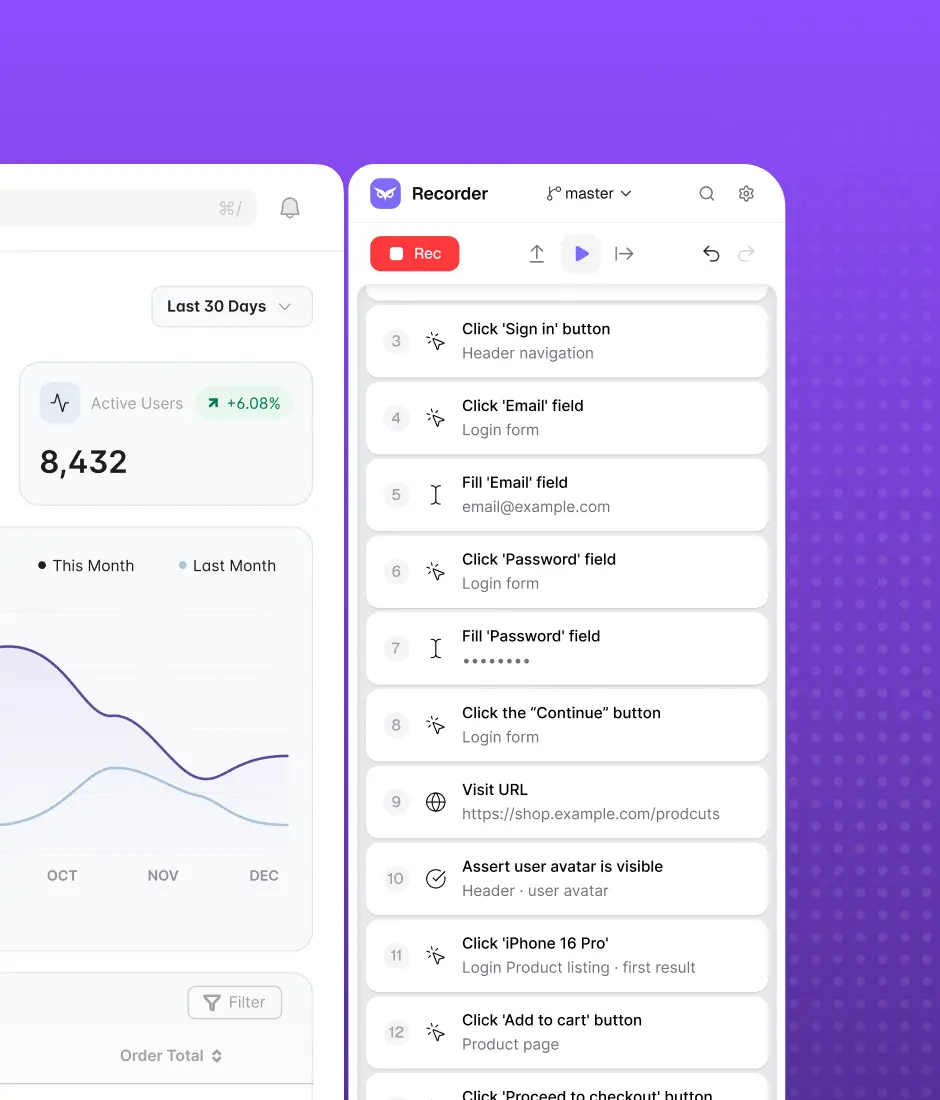
Skip the demo. Try it instead
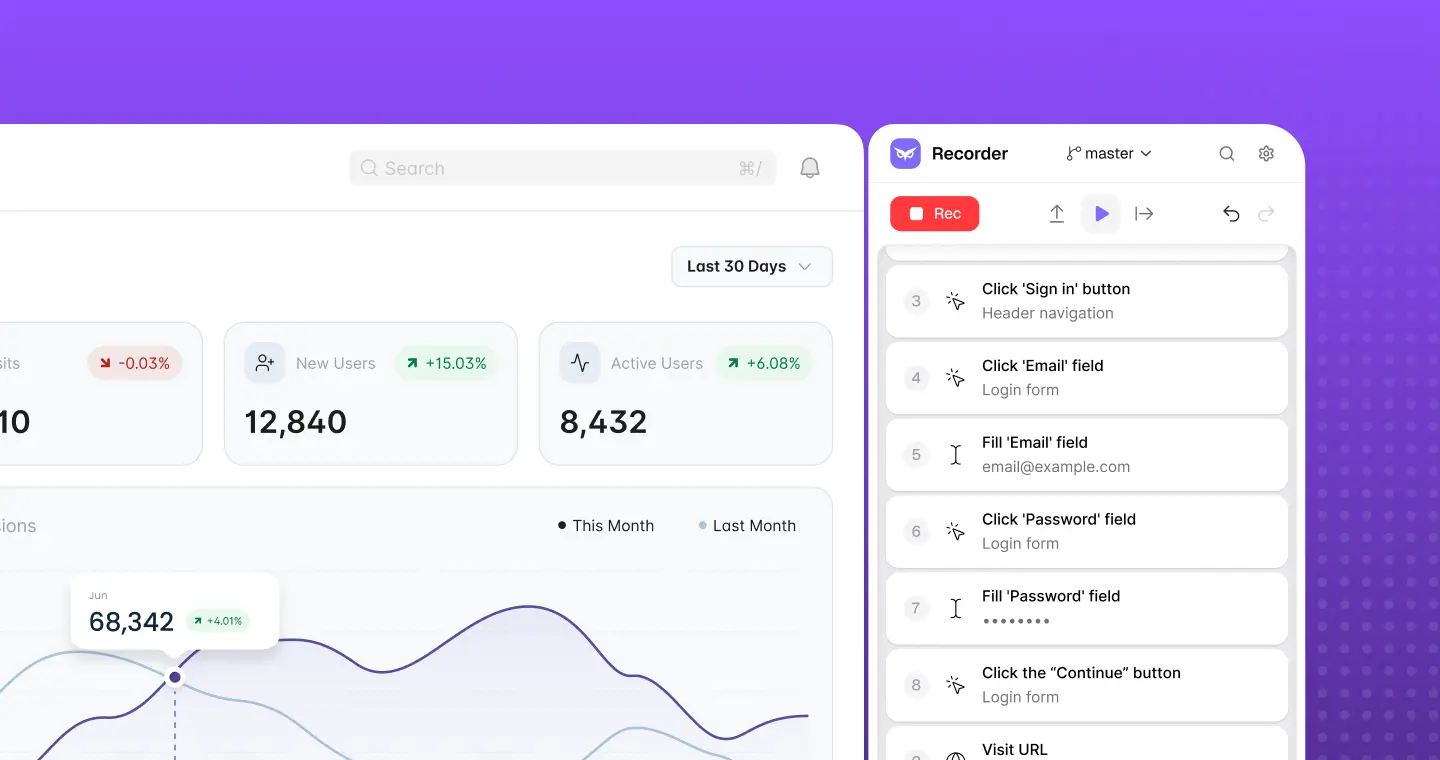
Download Owlity, record your first test, watch it run in the cloud.
No credit card required.


Owlity runs inside the pipeline and tools you already use. Tests fire on every deploy, bad releases get
blocked before they ship, and every failure lands in your tracker – ready to fix.
Connect Owlity to your pipeline and tests execute in the cloud on every build. No runners to maintain, no browsers to install, no parallelization to configure.

GitHub Actions
Add a step to your workflow and Owlity runs your test plan after the build. Results come back to the pipeline, so a failed test can block the deploy.

Jenkins
Trigger an Owlity test plan from any Jenkins job. Same flow as any other build step — the pipeline waits for the result and reacts to it.

Azure DevOps
Call Owlity from your release pipeline and run the plan against the environment you just deployed to. Results feed straight back into the pipeline.
Tests run on Owlity's cloud infrastructure – parallel execution, multiple browsers, multiple environments. Your CI just says "go" and waits for the answer.
When a test fails, the bug lands in your tracker with everything the developer needs to reproduce it. Nobody copies anything by hand.

Jira
A failed test creates a Jira issue with the plan name, test name, environment, the error from the first failed step, and a link to the full run in Owlity.

Linear
Same as Jira. A failed test creates a Linear issue with the plan, test, environment, error message, and a link back to the run.
The link opens the full run in Owlity Mind — video, screenshots, network log, and the step-by-step timeline. Your developer sees exactly what happened instead of asking for steps to reproduce.