Skip the demo. Try it instead
Download Owlity, record your first test, watch it run in the cloud.
No credit card required.

Record your first test in minutes. Get to 95% coverage without writing a line of code or waiting on a sprint cycle.








Platform
Your testing workflow, without the overhead.
Owlity Eye
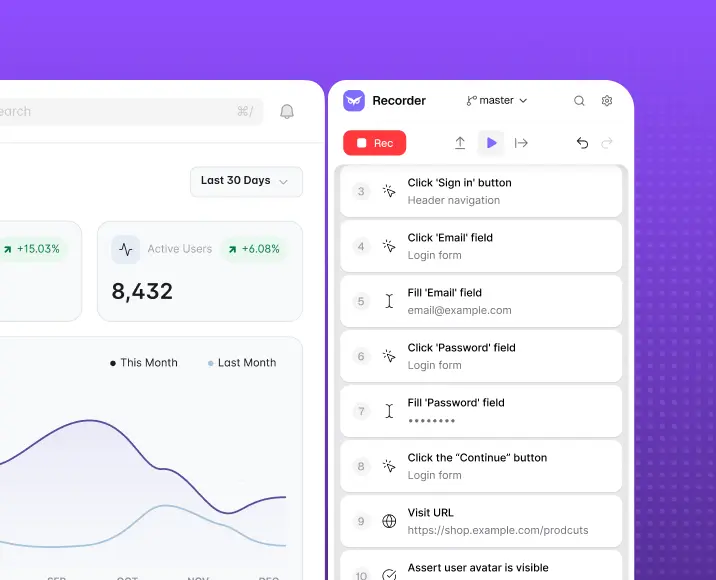
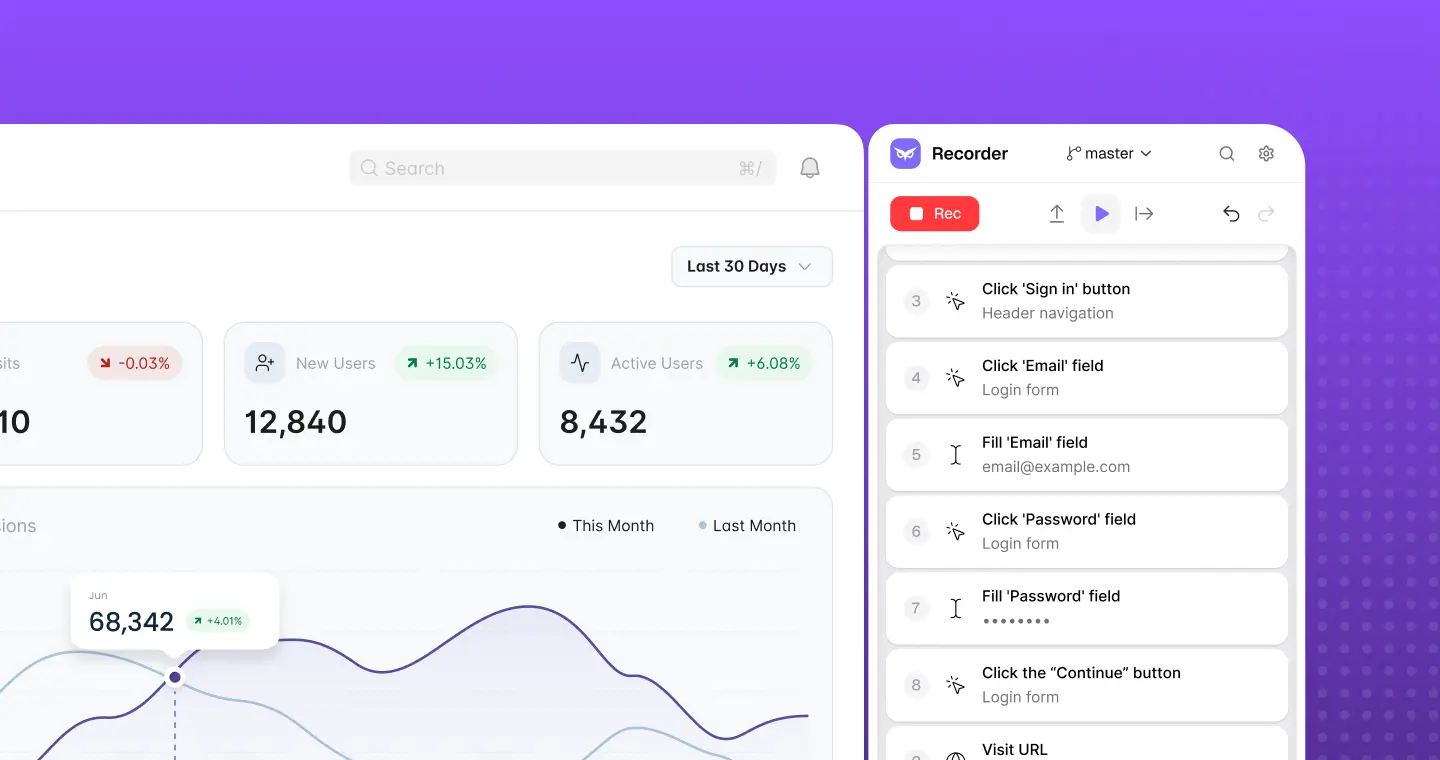
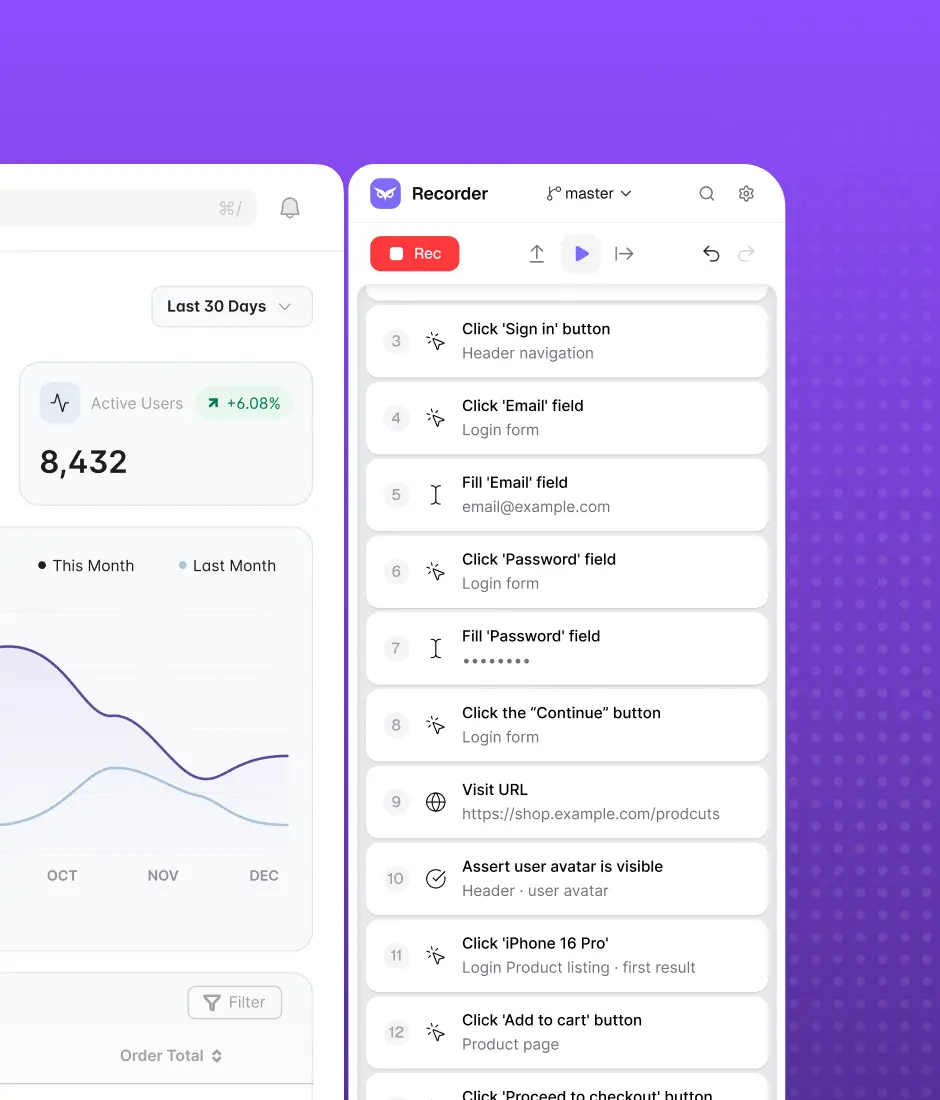
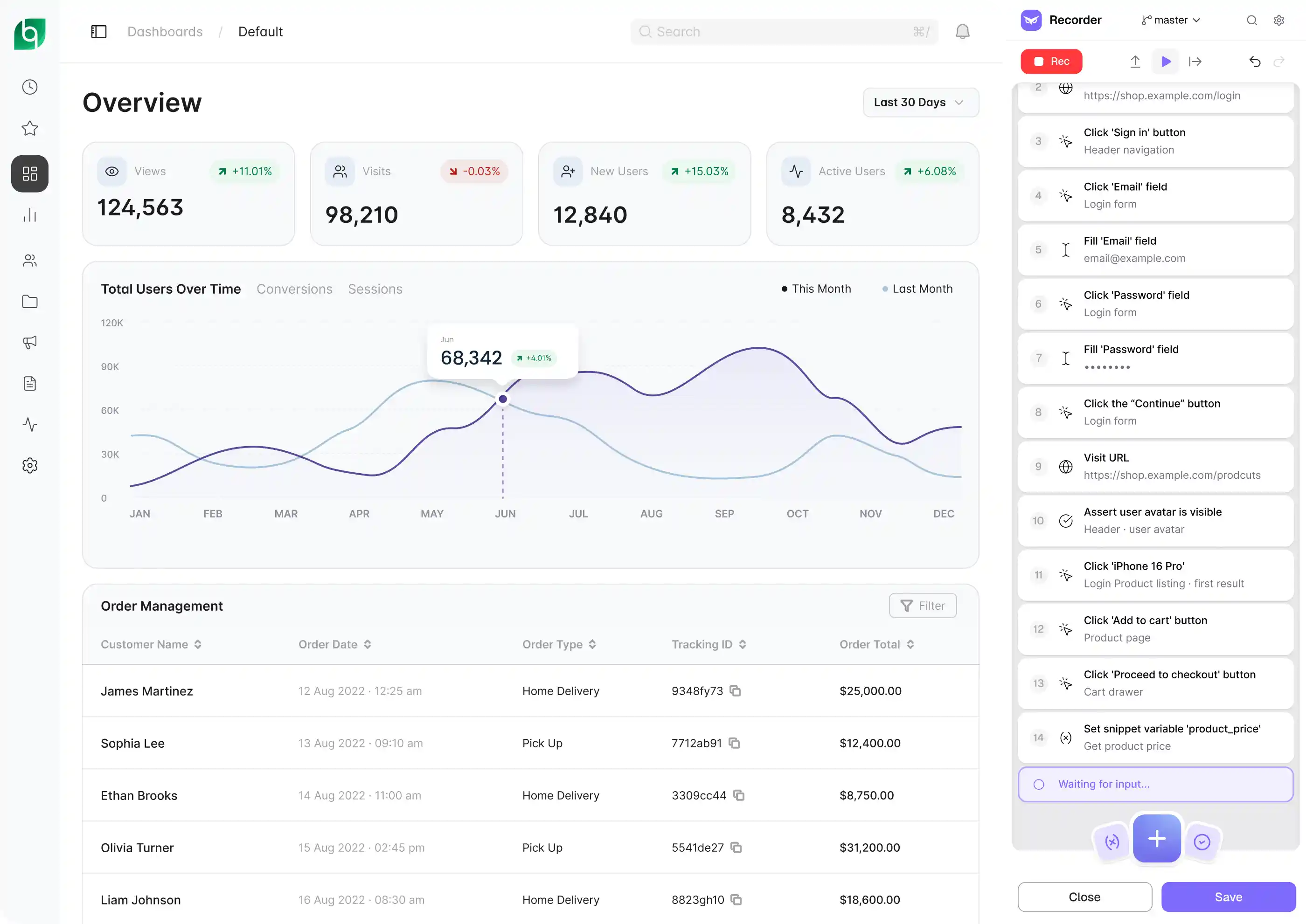
Install the desktop app and start recording tests the same day. Eye captures every interaction, lets you add assertions, variables, and branching logic, and organizes tests into reusable flows — so your suite grows without becoming a maintenance burden. No code required, but full control when you need it.
Owlity Wing
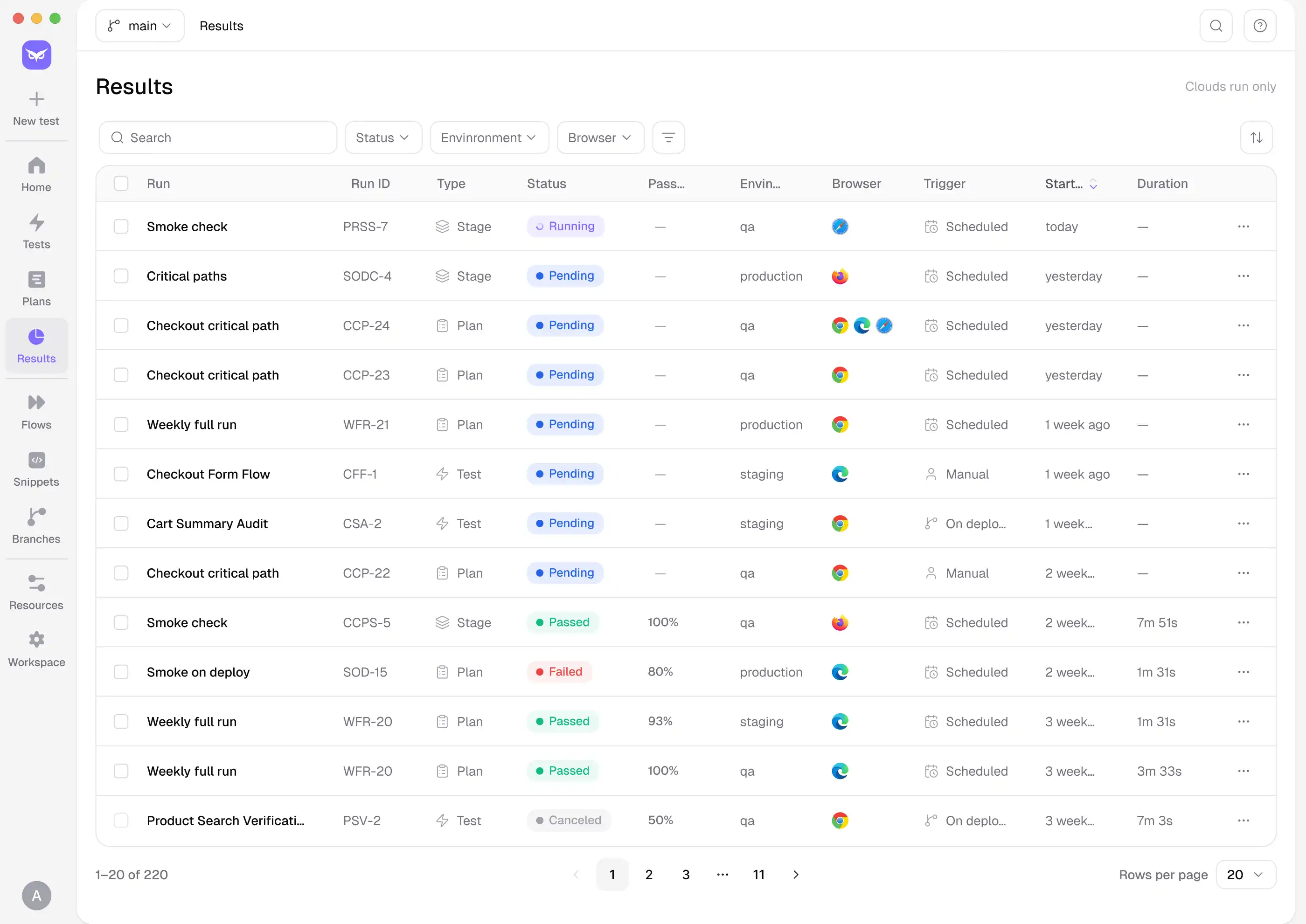
Run your entire suite in parallel across Chrome, Firefox, Safari, and Edge — from a single trigger. Schedule runs on a timer, connect to your CI/CD pipeline, or kick off a full regression the moment a deploy lands. Wing handles the infrastructure; you get the results.
Owlity Mind
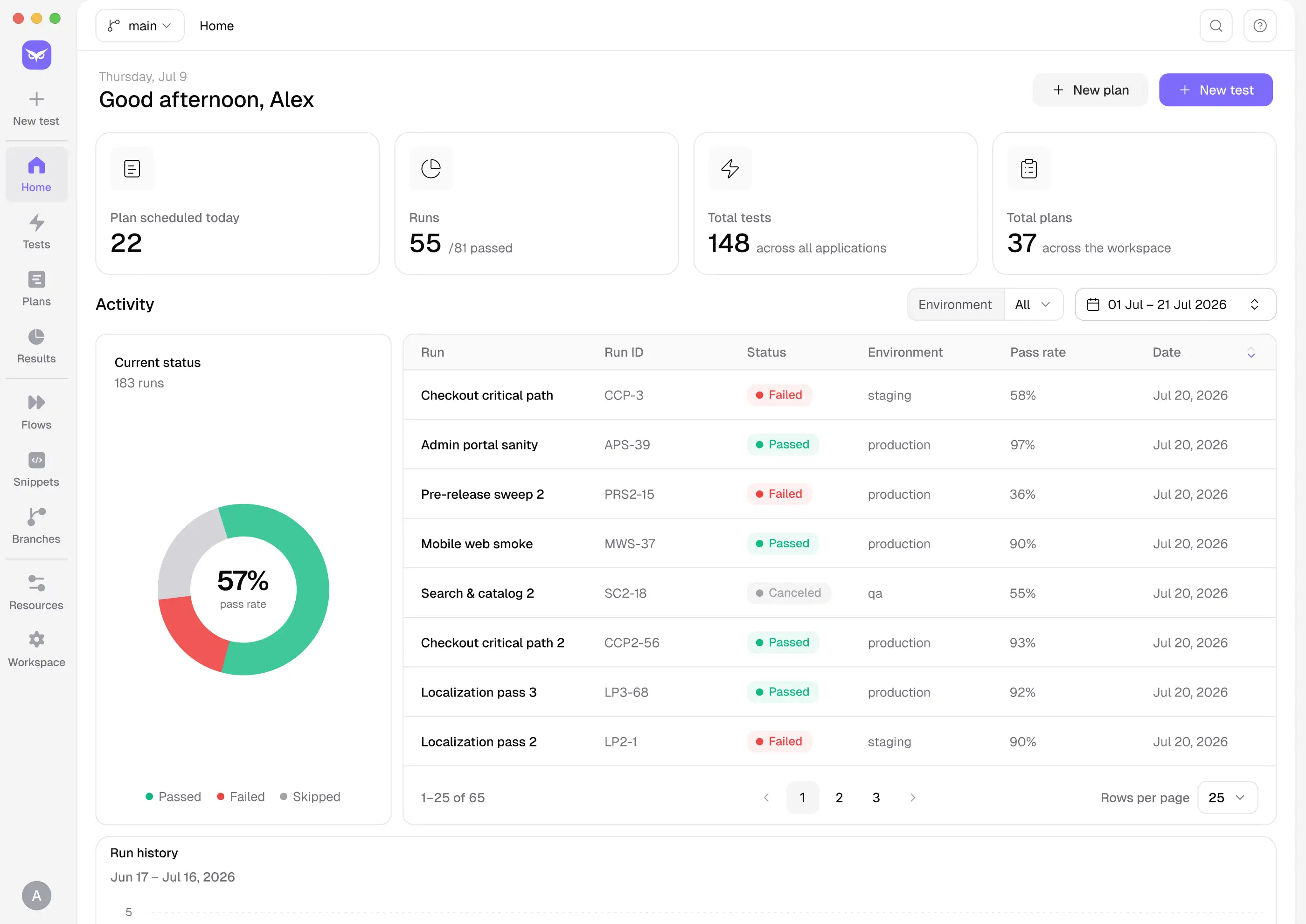
Every run comes with video recordings, screenshots, network logs, and a full step timeline. When something fails, you know exactly what happened and why. Share a CSV report or push directly to Jira or Linear — no manual write-up required.
COVERAGE EXPANSION
Most teams ship with under 40% automated coverage — not because they don't care, but because building beyond that requires time and resources most QA engineers don't have.
Owlity closes the gap. Between tests you record yourself and expert-built tests from our QA team, your suite reaches 95% coverage — the level that actually catches regressions before your users do.
Record the core flow
The main path, the way you'd demo it.
Submit for expansion
One click from inside the app.
Our QA team takes it from there
They add edge cases, negative scenarios, error states, cross-browser assertions, and boundary conditions.
You get back a complete test
Reviewed, structured, and ready to run.
Benefits
Because test automation should be fast to start and easy to scale.


Build tests with zero code
If you can navigate your application, you can automate it. Record a flow, expand the coverage, and run it across releases.

Reduce test maintenance by up to 80%
Self-healing tests adapt when selectors, UI elements, or page structures change, so your team spends less time repairing broken scripts.

Expand test coverage up to 10× faster
Add new scenarios, validations, negative flows, and edge cases without rebuilding your automation framework.

Get feedback on every commit
Run tests in parallel and catch regressions before the PR is approved or changes reach production.

Achieve 90%+ coverage
Combine Owlity’s automation with expert QA input to identify missing scenarios and protect the user journeys that matter most.

Cut testing costs by up to 40%
Reduce framework development and ongoing maintenance costs. Pay only for the test execution and coverage you use.
Use cases


For manual testers
Record the flows you already test by hand and turn them into a running automation suite — no code, no framework setup. Your manual expertise becomes automated coverage without learning a new stack.

For automation engineers
Skip the boilerplate. Build and organize tests faster, run them in parallel across every browser, and get full artifacts — video, network logs, step timeline — when something fails.

For SDETs
A no-code layer for fast test creation without sacrificing control. Drop in JS snippets where you need precision, connect to your CI/CD pipeline, and track suite evolution with change history and diff view over time.
FAQ
I have more questions. Contact us