Skip the demo. Try it instead
Download Owlity, record your first test, watch it run in the cloud.
No credit card required.


Record your critical flows, run them automatically on every deploy, and catch bugs before your client
does — without spending half your sprint writing test code.








Platform
You build it, you ship it — Owlity makes sure it works.
Owlity Eye
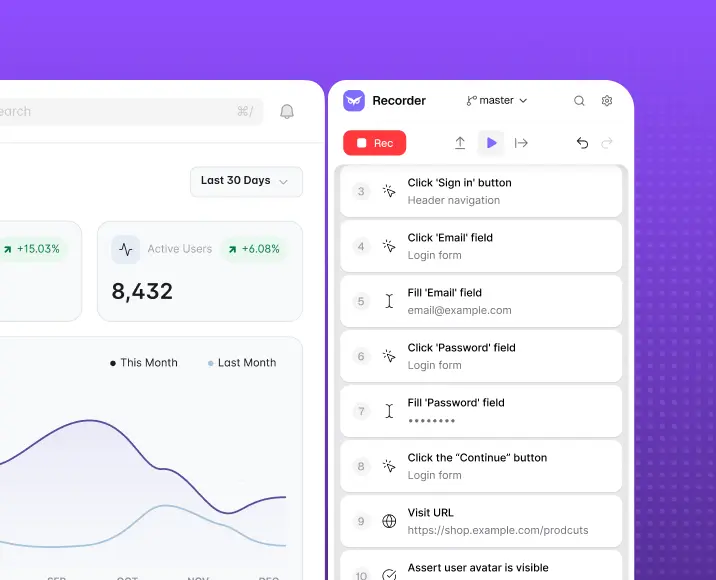
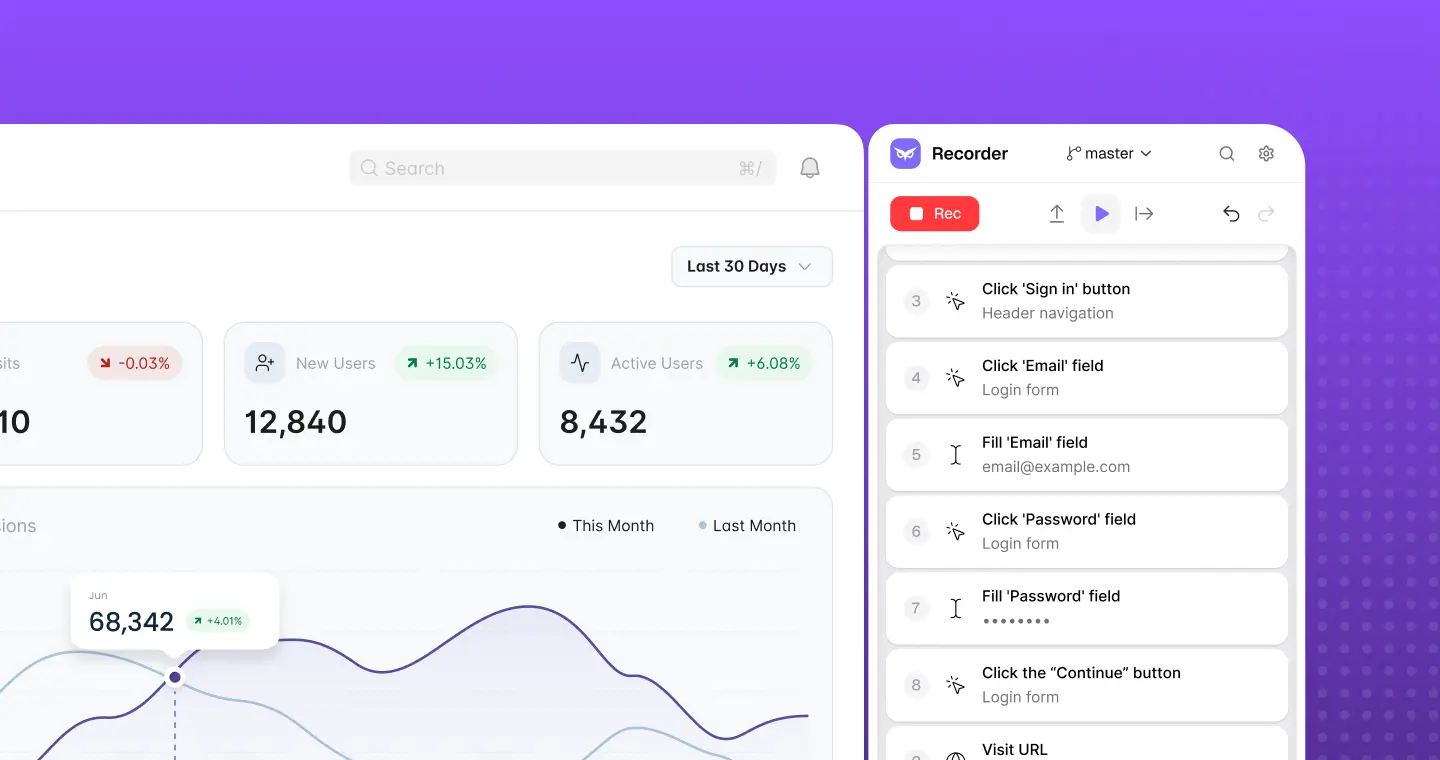
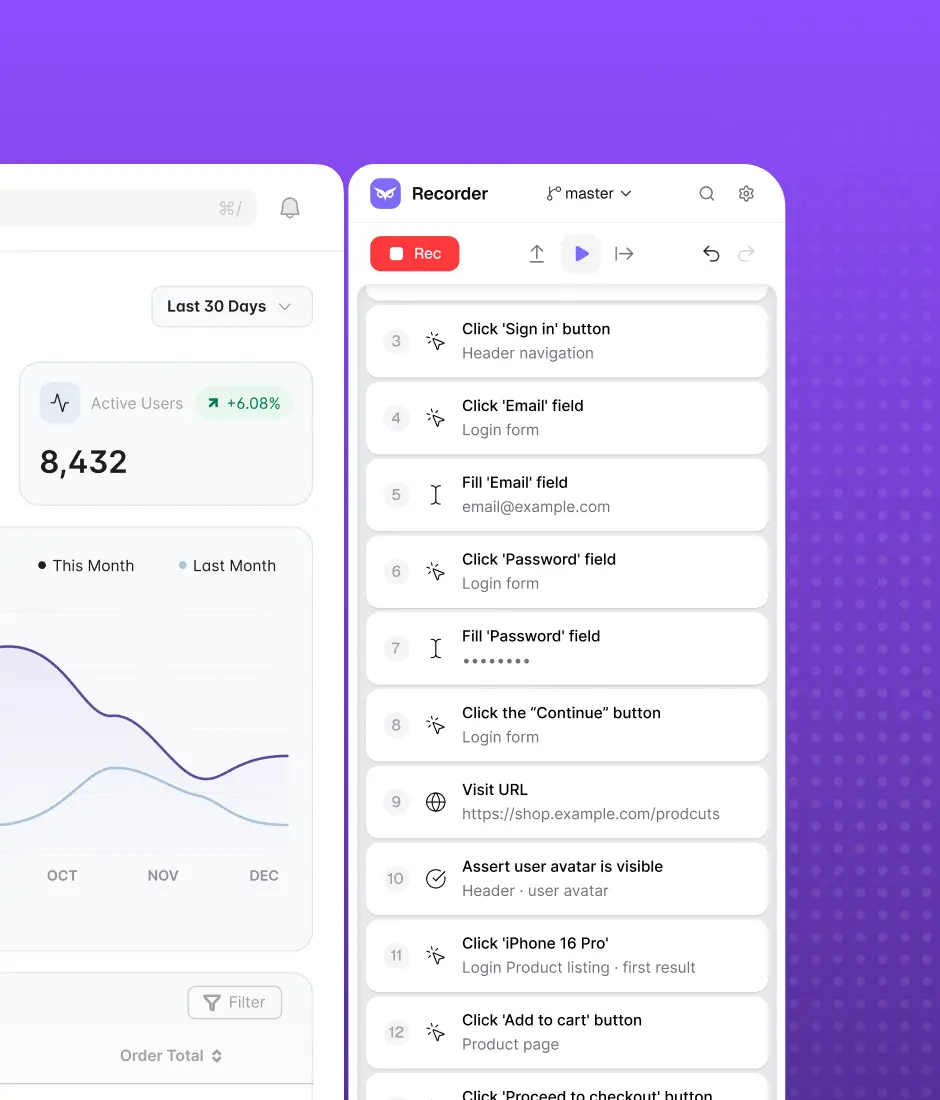
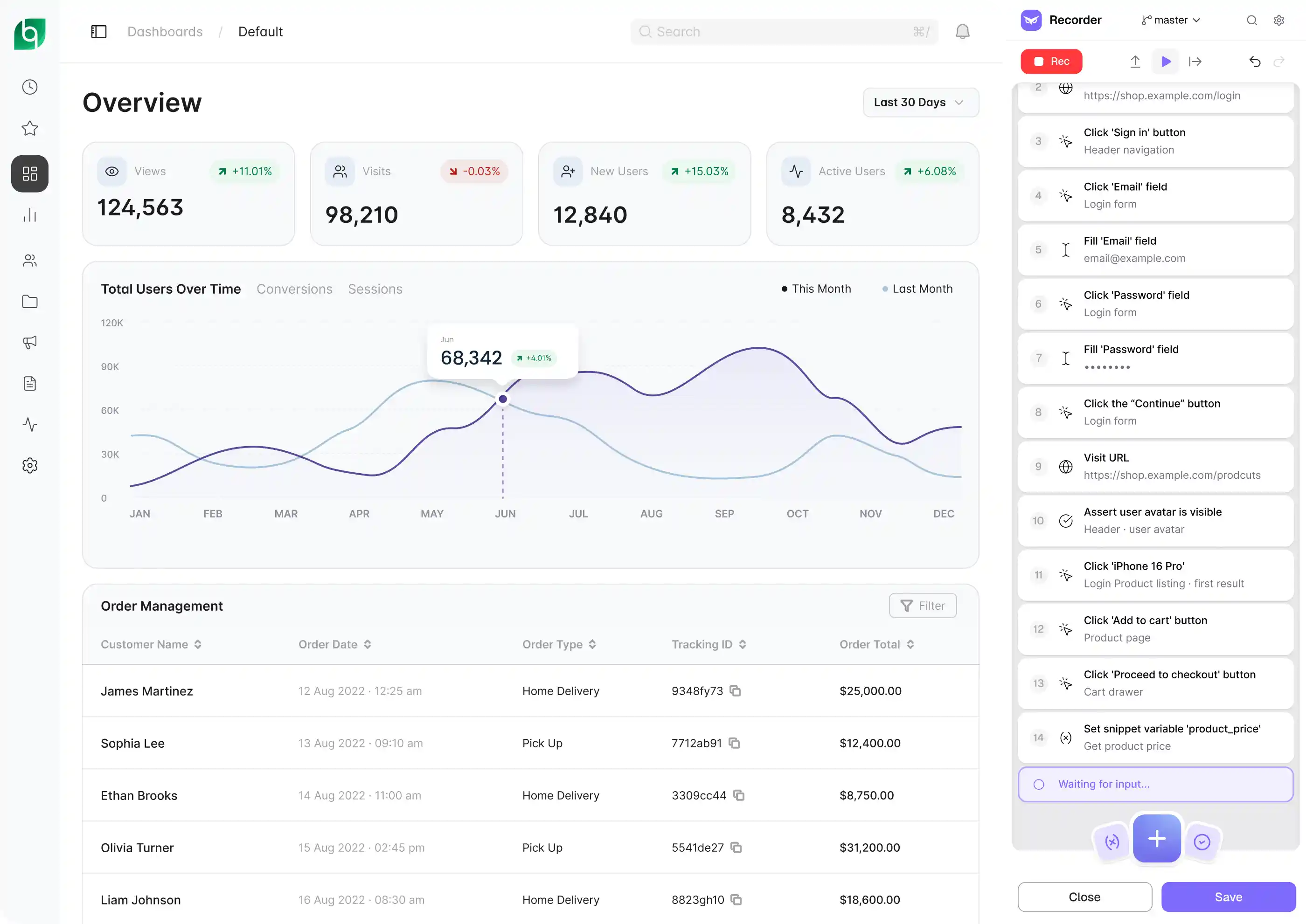
Install the app and record your critical user flows — login, checkout, onboarding, whatever breaks most. Add assertions on elements, URLs, and responses. Build reusable flows for repeated patterns like authentication. No code required, but JS snippets available when you need precision.
Owlity Wing
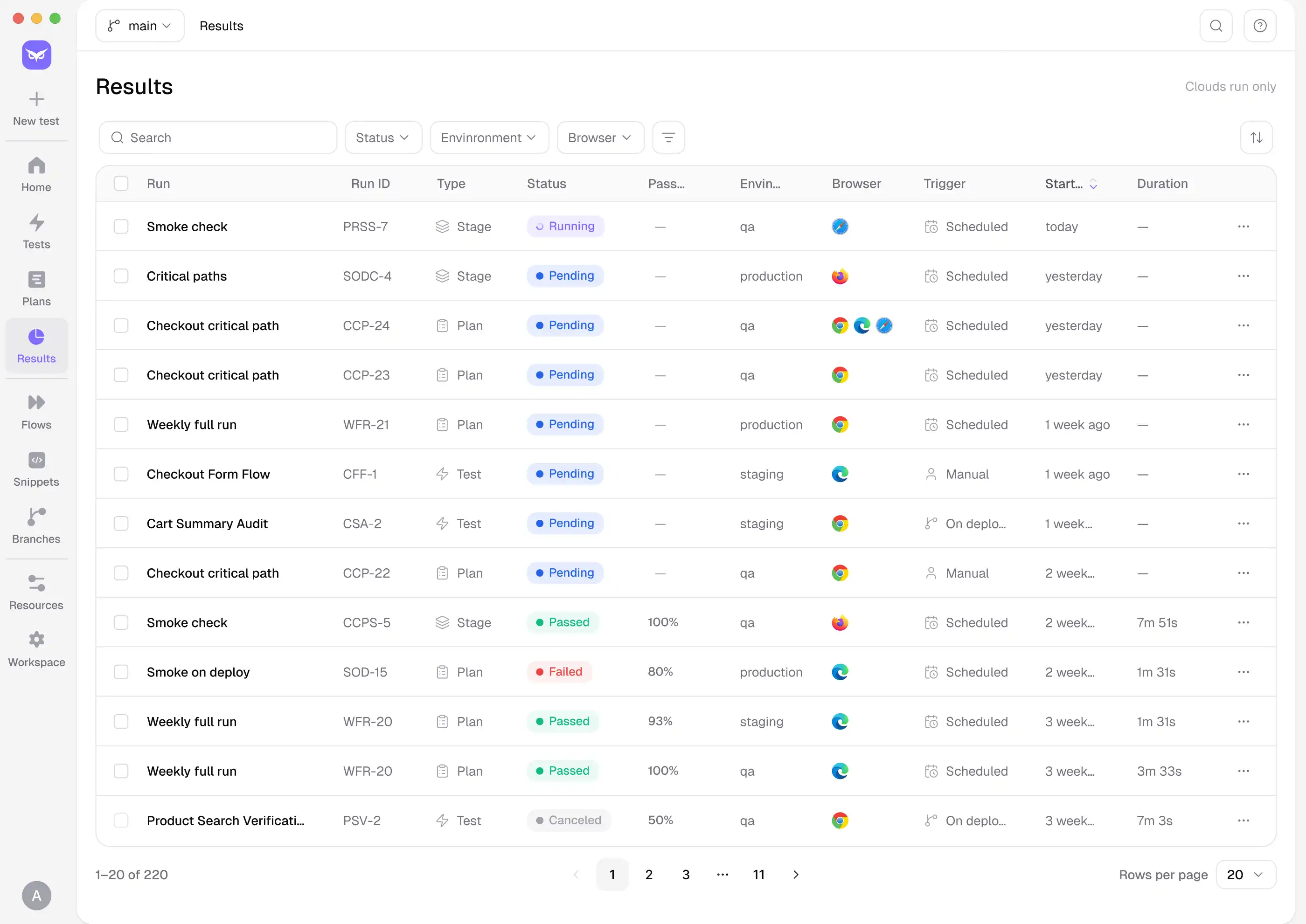
Connect to GitHub Actions, Jenkins, or Azure DevOps and trigger your full suite on every deploy. Run across Chrome, Firefox, Safari, and Edge in parallel. Automatic retries handle flaky steps so you're not debugging false failures at midnight.
Owlity Mind
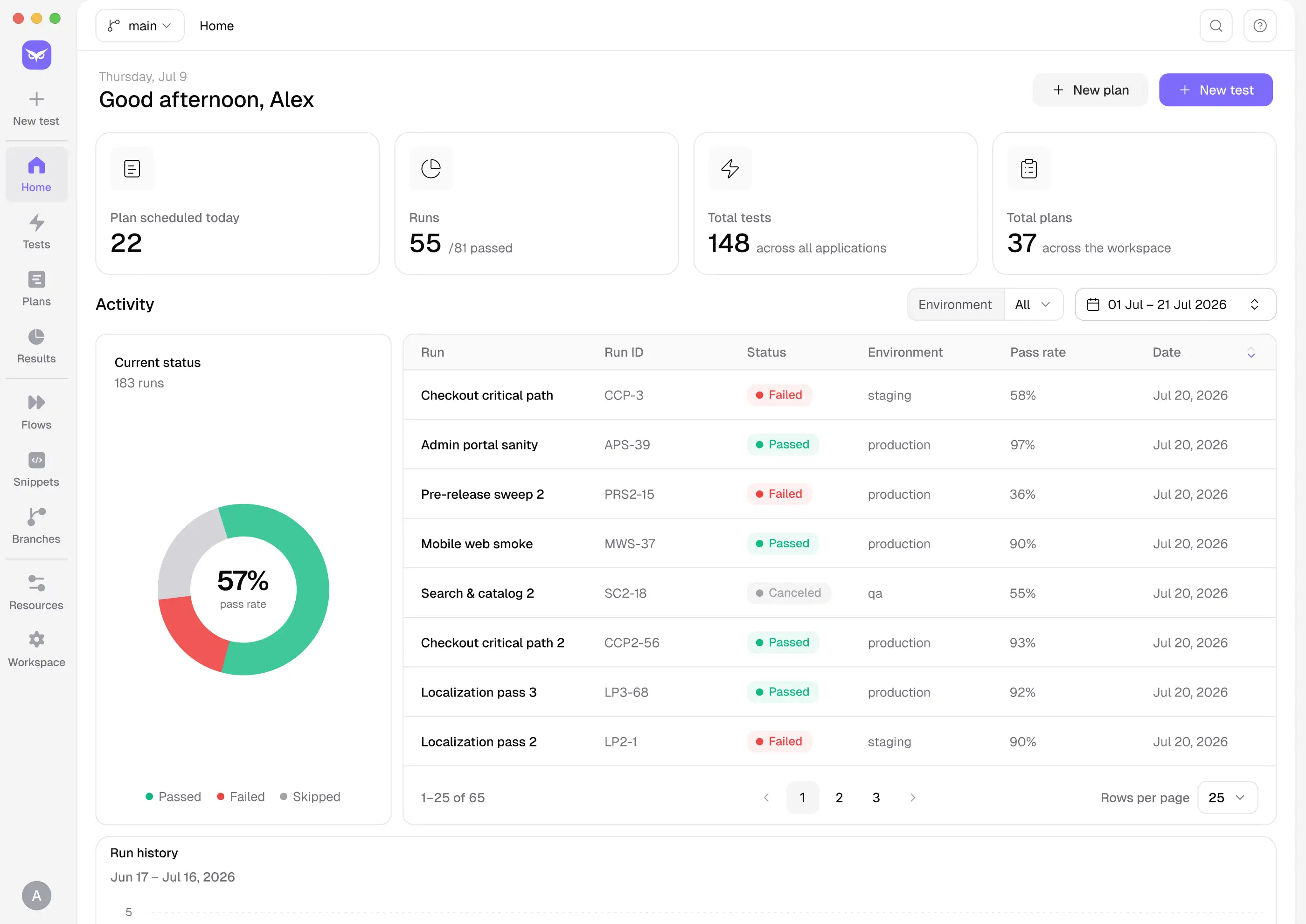
When something fails, you get video, screenshots, network logs, and a step-by-step timeline. You know exactly what broke, on which browser, at which step. Fix it once, ship again, done.
COVERAGE EXPANSION
Most engineers ship with under 40% automated coverage — not because they don't care, but because building beyond that means time they don't have.
Owlity closes the gap. Between tests you record yourself and expert-built tests from our QA team, your suite reaches 95% coverage — the level that actually catches regressions before your client does.
Record the core flow
The main path, the way you'd demo it.
Submit for expansion
One click from inside the app.
Our QA team takes it from there
They add edge cases, negative scenarios, error states, cross-browser assertions, and boundary conditions.
You get back a complete test
Reviewed, structured, and ready to run.
Benefits
Because test automation should be fast to start and easy to scale.


Build tests with zero code
If you can navigate your application, you can automate it. Record a flow, expand the coverage, and run it across releases.

Reduce test maintenance by up to 80%
Self-healing tests adapt when selectors, UI elements, or page structures change, so your team spends less time repairing broken scripts.

Expand test coverage up to 10× faster
Add new scenarios, validations, negative flows, and edge cases without rebuilding your automation framework.

Get feedback on every commit
Run tests in parallel and catch regressions before the PR is approved or changes reach production.

Achieve 90%+ coverage
Combine Owlity’s automation with expert QA input to identify missing scenarios and protect the user journeys that matter most.

Cut testing costs by up to 40%
Reduce framework development and ongoing maintenance costs. Pay only for the test execution and coverage you use.
FAQ
I have more questions. Contact us