
Skip the demo. Try it instead
Download Owlity, record your first test, watch it run in the cloud.
No credit card required.


The full testing stack. Finally in one place.
Build in Owlity Eye. Run in Owlity Wing. Understand in Owlity Mind. AI does the writing, the fixing and the explaining —
your team ships without breaking things.
CREATE

Everything in Owlity Eye
 AI test builder.
Describe a scenario in plain words. AI shows a plan, builds the test in your app and verifies it with a run. You review and save.
 AI test editing.
Describe a change or a variant — "same checkout, with a promo code". See the diff, then save; the original stays intact.
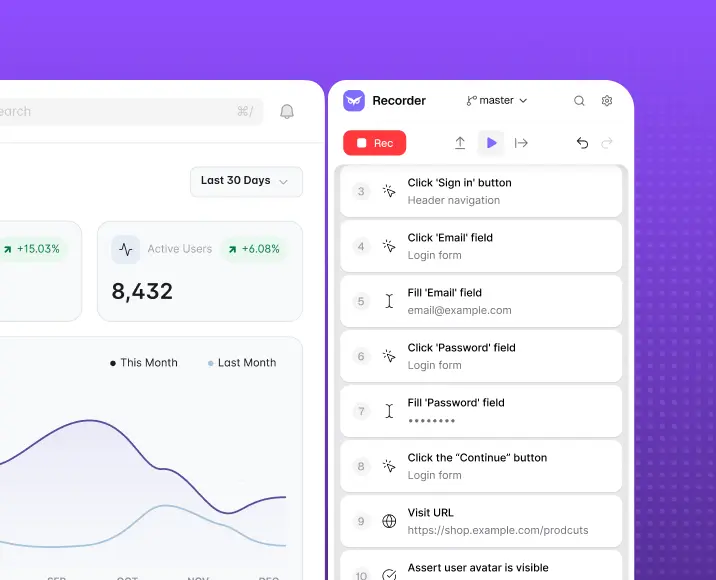
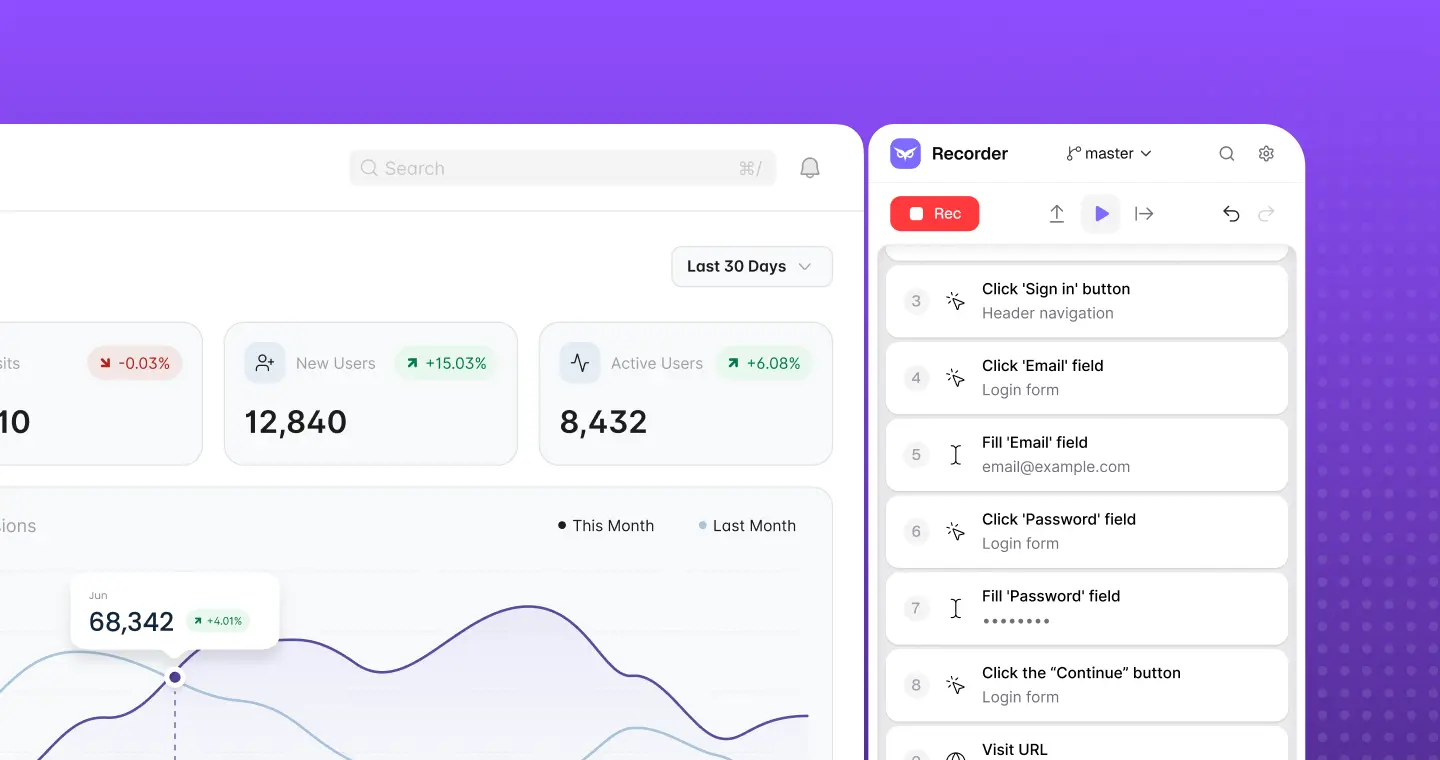
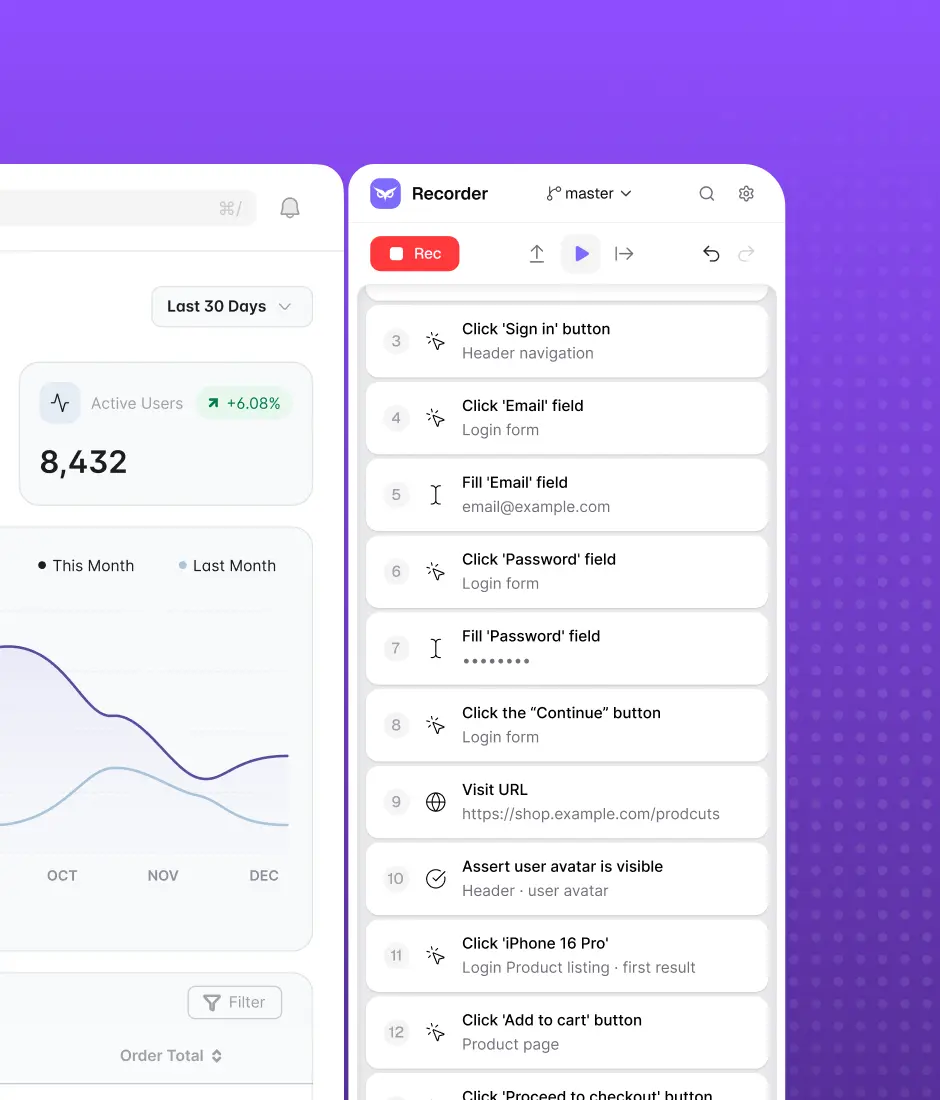
 Test recorder.
Capture any web user flow. No code. Play tests locally while authoring.
 Step editor.
Search, reorder (drag & drop), undo/redo, highlight target elements, run from any step, annotate, group steps, bulk enable/disable/copy/delete.
 Rich step types.
Assertions, conditionals, loops, waits, cookies, set viewport, open URL, keyboard input, step groups, file upload, browser-tab handling.
 Assertions.
Verify elements, URLs, cookies, variables, emails and screenshots — or write the expectation in plain words and AI turns it into checks that report what matched and what didn't.
 Variables.
String templates, element/cookie/snippet/address variables, Faker, math, dates — created and edited inline, in real time.
 DataTables.
Reusable data tables, categories, and table combinations to run one test across many data sets.
 Reusable Flows.
Build a flow once, reuse it across many tests. Browse library, compare versions, view history.
 JavaScript Snippets.
Reusable and one-time JS steps with a built-in editor, runner, console, and auto-formatting.
 Authentications.
Record a login once. Replayed automatically before every test that needs it.
 Resources.
Shared applications, environments, roles & credentials, authentications, and mailboxes — defined once, used everywhere.
 Email assertions / Test Mailbox.
Create test mailboxes and verify the emails your app sends as part of any test flow.
 Branches.
Isolate test changes, work in parallel without affecting the rest of the team.
 Merging.
Merge requests with a visual 3-way conflict resolver for branched tests and flows.
RUN
Everything in Owlity Wing
 Plans.
Group tests into stages (parallel or sequential), run across multiple environments and browsers, with a run-multiplier and automatic retries.
 Triggers & scheduling.
Run on a timer, a cron schedule, or on deployment.
 Cross-browser execution.
Chrome, Edge, Firefox, and Safari.
 Cloud test execution.
Run your tests in the cloud at scale — no infrastructure to manage.
 AI element recovery.
When the interface changes, AI finds elements by meaning. Each recovered step shows its confidence and a screenshot; low confidence fails the step instead of faking a pass.
CI/CD integrations.Jenkins, GitHub Actions, Azure DevOps.
Run notifications.Email alerts when a cloud run succeeds or fails.
ANALYSE
Everything in Owlity Mind
 Run results.
Per-test and per-plan run records, pass/fail statuses, broken down by stage and scenario.
 Deep run artifacts.
Video of each run, screenshots + HTML + network per step, and a step timeline.
 AI failure analysis.
Likely root cause, what to check next, evidence from screenshots, and a failure label — product bug, test issue, test data or environment. Ask follow-up questions in chat.
 CSV export.
Share a clean pass/fail report of any run — no account needed to read it.
 Run history & trends.
Plan run-history chart, run duration, per-test status-history sparkline.
 Change history & Compare.
Audit how a test changed over time, diff versions, restore a known-good version.
 Issue-tracker integrations.
Link results directly to Jira and Linear.
general
Everything by default
 Integrations.
Issue trackers (Jira, Linear) and CI/CD (Jenkins, GitHub Actions, Azure DevOps).
 Dashboard.
Overview of your tests, runs, and key metrics — with quick links to what matters.
 Global search.
Find anything across your workspace instantly.
 Notifications.
Email and in-app alerts in real time.
 Onboarding & workspace invitations.
Invite your team, set up a workspace, download and activate the app in minutes.
 Authentication & workspace access.
Email/password and Google sign-in, first-login flow, and password recovery.
 Roles & permissions.
Owner, Lead, QA, and Viewer roles across the full product.
 Billing & subscription.
Plans, usage by user, usage over time.
 In-app support.
Built-in support chat — help is always one click away.
Product updates & release notes.In-app what's-new feed and managed app versions.

Get started
Start with Owlity — free, no credit card required. Describe a test, watch AI build it. Or talk to our team if you'd rather have us handle everything.