

A step-by-step plan to migrate from manual to AI-driven QA

Dmitry Reznik
Chief Product Officer

Summarize with:
Switching from manual to AI testing has its legs, but also has its traps. Because nowadays release cycles are shorter, user expectations are higher, and defect risks compound with every sprint.
For many teams, the path to an AI-driven QA strategy takes too long; they lose time, money, and patience, and eventually give up on the transition idea without any tangible outcomes.
Yet, you can’t scale with manual testing alone, that’s why many engineering leaders turn back to AI testing, trying different approaches and tools. Rewriting everything from scratch, layering automation on top of legacy tests, and stopping delivery to overhaul QA pipelines entirely — these are the questions that stall progress.
This guide explains how to migrate to AI QA and shows how to reduce QA debt, increase coverage, and move faster.
Why teams struggle to move beyond manual testing
How often have you heard this, “We should leave manual testing behind if we want to release faster.” Common words on tech management meetings, innit? The thing is the execution. When your system is permeated with deep structural challenges, automation and AI adoption won’t take off.
Time and errors weigh less than fear and biases
Imagine a mid-sized fintech. Before automation, its QA team needed five full working days to run through core flows before each release. That delay forced engineers to freeze code changes early, challenging innovation.
Another example is mobile app testing. Manual testers can only check a handful of devices in real time, which means bugs often pop up in production when users are on older OS versions. Such a late catching costs them an arm and a leg.
Even though manual testing swallows a lot of time, QA teams are biased about AI value, and this keeps them from experimenting and pushing to tangible results.
Conditional automation is felt safe
GitLab’s productivity report revealed that teams that leverage automated testing are 1.5x more likely to release multiple times per day.
Unnoticed thing: Script-based automation solves speed, but not longevity. Every minor UI change will break scripts across multiple flows. And you risk ending up cutting 30% of QA time just fixing scripts. So, where are automation’s benefits then?
Lack of a clear roadmap leads to false starts
They say, if there is the will, there is the way. But even with a strong will, teams often fail at AI test planning. They overload engineers with automation responsibilities, overpromise coverage from day one, and underestimate the change management needed for testers to trust AI outputs. Without a roadmap, adoption will be utter chaos.
Step-by-step: How to migrate from manual to AI-driven QA
There is some good news: an AI-driven QA strategy doesn’t equal a full stop of your software development pipeline. When you move phase by phase, scaling what successes, this will work without disrupting the current flow. Start with clarity on your current process, build trust with early wins, and then scale coverage gradually. Below is a 6-step roadmap for this reason.
Step 1: Hash out your current QA strategy
- Goals: make time-drainers visible and define the entry point for your AI effort.
- Actions: Map out your full QA workflow, including manual exploratory testing and regression cycles. Gauge test execution time, maintenance, and defect leakage (in %).
- What to consider: Whether process mining tools are effective for you.
- Pitfalls: Treating all tests as equal. Focus on repetitive, low-value areas first.
Step 2: Set up success metrics and assign ownership
- Goals: Use the stakeholder map to align all of the key decision makers. Then, set a standard for AI’s impact.
- Actions: Establish relevant KPIs, considering AI features and peculiarities of your project. Assign a QA lead or engineering manager to oversee AI adoption. Responsibility should be shared, but the project should be owned.
- What to consider: Using QA dashboards. Their product analytics spot bug-tracking trends. Thank us later.
- Pitfalls: Irrelevant metrics. AI metrics differ from the standard ones and create a deeper picture of your current testing.
Step 3: Start with low-risk, high-frequency flows
- Goals: Achieve first wins, ensure repeatability, and clearly show them to stakeholders.
- Actions: Begin with smoke tests or core regressions. Use AI-driven test generation to create cases, validate against stable environments, and measure performance.
- What to consider: Tailor a format for demonstrating QA wins to the stakeholder group. Techies will be interested in specific parameters and their impact on overall tech strategy, and non-tech managers prefer to understand the QA’s impact on the business’s bottom line.
- Pitfalls: Skip to edge cases or mission-critical tests. Don’t do this because it increases risk and resistance.
Step 4: Enable self-healing tests and dynamic testing
- Goals: Reduce script maintenance overhead and future-proof QA.
- Actions: Enable AI-driven tools that detect changes in locators, API endpoints, and other components and automatically adapt scripts. Train the QA team to validate and approve AI updates.
- What to consider: Make sure the chosen autonomous testing tool supports all self-healing ranges and learns with every test run.
- Pitfalls: AI is a powerful technology, but it doesn’t fix everything. Human oversight is irreplaceable at the moment for long-lasting success.
Step 5: Integrate into your CI/CD pipeline
- Goals: Make AI-driven QA continuous.
- Actions: Run AI-generated tests on pull requests, staging builds, and nightly runs. Shift testing left by catching issues before merging; shift right by monitoring user journeys in production.
- What to consider: Ensure the chosen tool integrates freely with your existing workflow.
Pitfalls: Don’t run tests only in staging. This way, you leave risks for production, and chances are, you’ll regret it.
Step 6: Expand coverage and refine strategy
- Goals: Scale AI QA beyond regression into a broader set.
- Actions: Add integration and edge-case testing. Use AI analytics to identify untested user flows or risky areas. Make AI test planning iterative. Refine KPIs over a specific period that reflects the nuances of your project.
- What to consider: Whether you need custom ML models on test logs or if you can use an out-of-box solution.
- Pitfalls: Expanding coverage too fast without evaluating ROI on each new layer of testing.
Common challenges and how to avoid them
When rushing to migrate to AI QA, make sure you have a solid foundation: old-hand experts on the team, maybe external consultants, a toolset with relevant features and capabilities tailored to your project, and persistence and patience to finish what you’ve started.
Otherwise, you’ll likely face either financial loss or at least disappointment in modern solutions. For example, due to faulty testing, CrowdStrike faced a global Falcon platform outage, which affected 1% of all Windows PCs in the world and cost Fortune 500 partners up to USD 5 billion.
Unchecked yet automated QA can erode trust and create a catastrophe. Below are other common pitfalls and tips on how to sidestep them.
Overautomating without a well-thought-out strategy
Broken process delivers broken results. Don’t expect adequate AI output without redefining scope, objectives, and specific procedures within an AI-driven QA strategy. Define risk zones (here is where external consultants may help) and anchor AI adoption to them and release goals. Avoid automation for just automation (or for bravado at networking events).
Approaching test automation migration with a set-it-and-forget-it mindset
AI tools perfectly analyze data, dissect inconsistencies and anomalies, but they lack a grasp of the business context. And they need human guidance. Without oversight, you’ll be battling with ongoing issues, false positives or upstream changes. Add a human-in-the-loop check to your AI test planning.
Not aligning stakeholders across QA, Dev, and Product
Previous words about shared understanding of progress and visibility remain, but you should make the first results clear-cut and tailored to a specific group.
Ensure your tool has a custom report feature or even dashboards that can adjust to the specific department, QA, dev, product, or non-tech management. Then, embed cross-functional review routines during every sprint retro.
Using tools that are too complex or too rigid
Every day, you are bumping into a new AI tool. Nothing groundbreaking in losing your bearings in such a sea. This imposes additional duties on the person who is responsible for your company’s testing strategy.
Avoid those that require rearchitecting pipelines or learning new languages, as they slow adoption. Conversely, rigid “script-only” tools fail to adapt.
Prefer AI solutions that are flexible, integrated, and gradually introduce change.
How OwlityAI supports every phase of the migration
The journey from manual to AI testing is not linear. That’s why we designed OwlityAI in a way so that even non-tech specialists can start rebuilding company testing practices.
Feature #1: One-click test generation
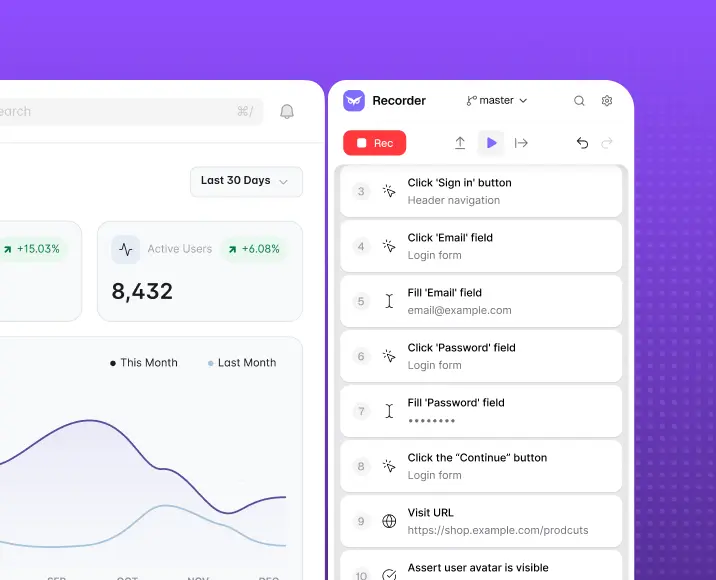
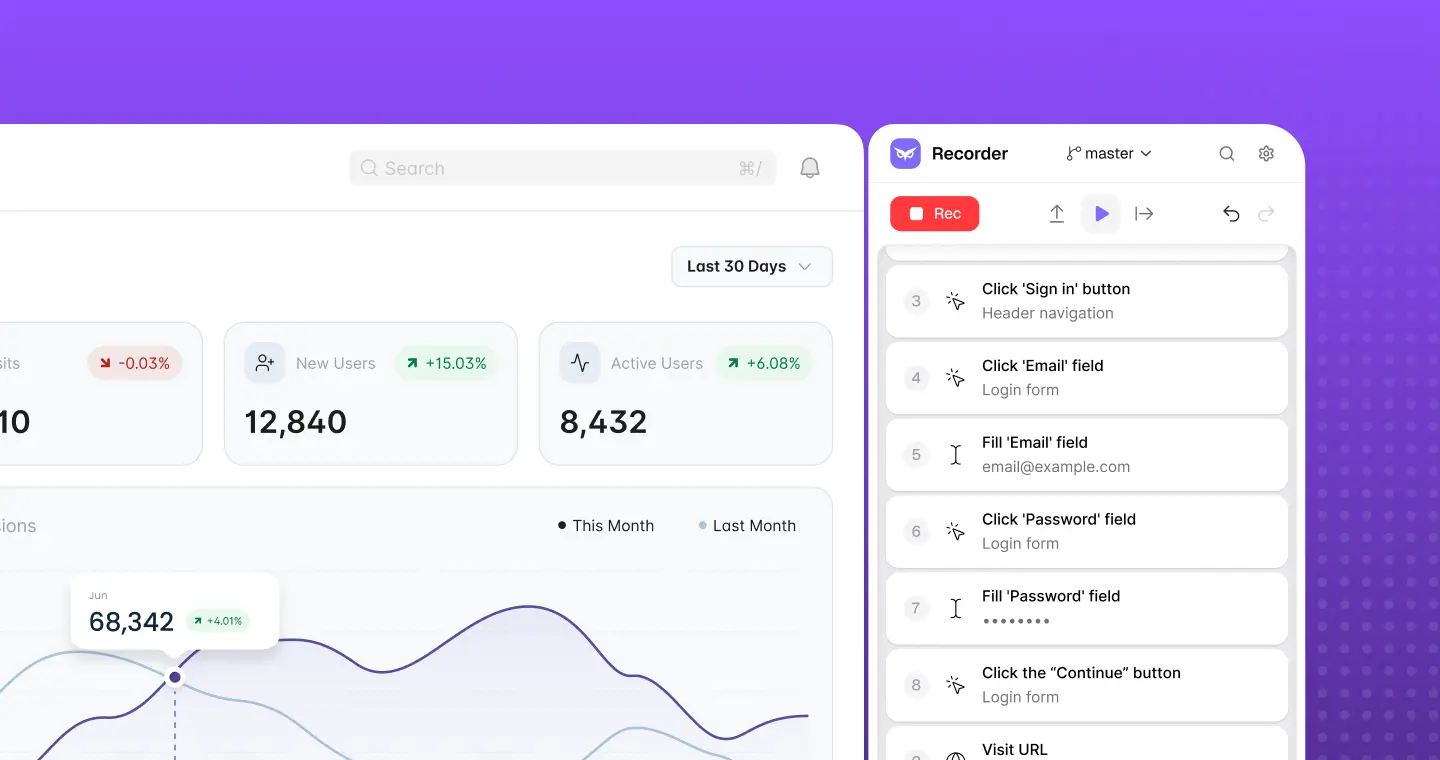
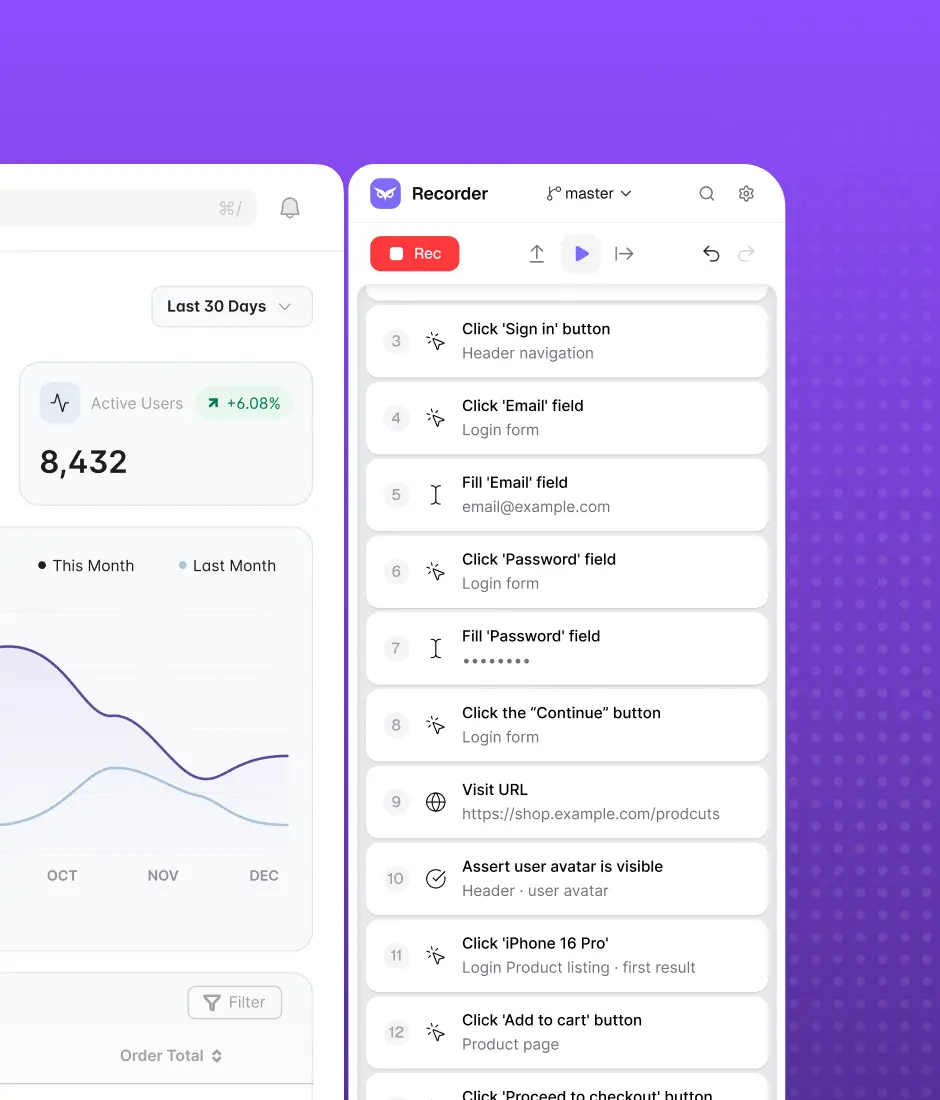
Copy and paste the link to your web app and let OwlityAI scan it using computer vision. It’ll automatically generate actionable test cases in minutes (depending on the project’s size, to be fairer).
The result: You start a pilot without top-tier techies on the team and within your time frame.
Feature #2: Self-healing automation
OwlityAI cuts brittle locator failures with self-healing that adapts to UI/API changes. Your app will grow and evolve over time, so it’s worth laying out the way you’ll handle this constant evolution from a tech perspective.
The result: You don’t waste time on maintenance, you gain confidence because you’re sure the tool will back you up if you forgot to change the script after any code change.
Feature #3: Seamless integration
OwlityAI fits CI/CD via API: Jenkins, GitHub Actions, GitLab CI, or others. It works alongside your tools and – which is the most important – it doesn’t rip out your current pipeline.
The result: You don’t stop after every run to fix incompatibility. Streamlined process, less bug-fixing stops, faster time to market.
Feature #4: Adjustable dashboards and comprehensive analytics
Flaky-test metrics, usage-priority maps, and impact-focused features — OwlityAI dashboards provide visualized insights. And what is even cooler, you can tailor the display to your stakeholder group: QA, dev, product, or management.
The result: You keep every stakeholder group in the loop, which makes your AI end-to-end testing stage smooth.
Bottom line
Some may think that AI test planning is the most time-consuming part of migrating to AI QA. Indeed, this takes some time, but not as much as the mind shift and building the entire process.
Follow this quick reference guide to ensure smoothness and efficiency in your case. We provided a general 6-step plan to make your journey easier, but feel free to replace some steps or completely skip any if you see unbeatable reasons due to your niche or product.
What are unbeatable reasons? It depends. Book a free 30-minute consultation with our team, and we’ll find them and ways we can help.
Monthly testing & QA content in your inbox
Get the latest product updates, news, and customer stories delivered directly to your inbox