background
  1. Home
  2. /
  3. Test Automation with Owlity
Test automation platform

Test Automation with Owlity

Automate your tests without writing a single line of code.

Record what you already test, run it in the cloud, and scale it to full coverage. No framework to learn. No test code to maintain.

Solving modern test automation challenges — without building a QA team

High QA costs drain your budget

background

Problem

Building and maintaining an in-house QA team is expensive — often six figures per tester, per year.

background

Solution

You pay only for the test runs you use, and for expert expansion when you want deeper coverage. Costs scale with your testing, not your hiring.

Test automation is hard to scale

background

Problem

Automation projects stall under fragile scripts and constant maintenance.

background

Solution

Owlity pairs a no-code recorder with 16 years of QA expertise to build stable coverage that holds up as your app changes.

Why Owlity for test automation

backgroundicon

No framework dependency

Owlity works at the browser level — no Selenium, no Playwright, no Cypress to configure or upgrade. Your tests are defined by what your app does, not by what your toolchain supports.

backgroundicon

Built for teams that ship frequently

Automation that takes months to set up doesn't work for teams on weekly release cycles. Owlity is built to deliver a running suite fast — so coverage keeps pace with your product.

backgroundicon

Coverage backed by expertise

When your team records the critical path, our QA team can expand it to full coverage — edge cases, error states, boundary conditions. You get 95% coverage without spending your sprint on it.

Platform

How to automate your tests with Owlity

From the first test to full CI coverage — step by step.
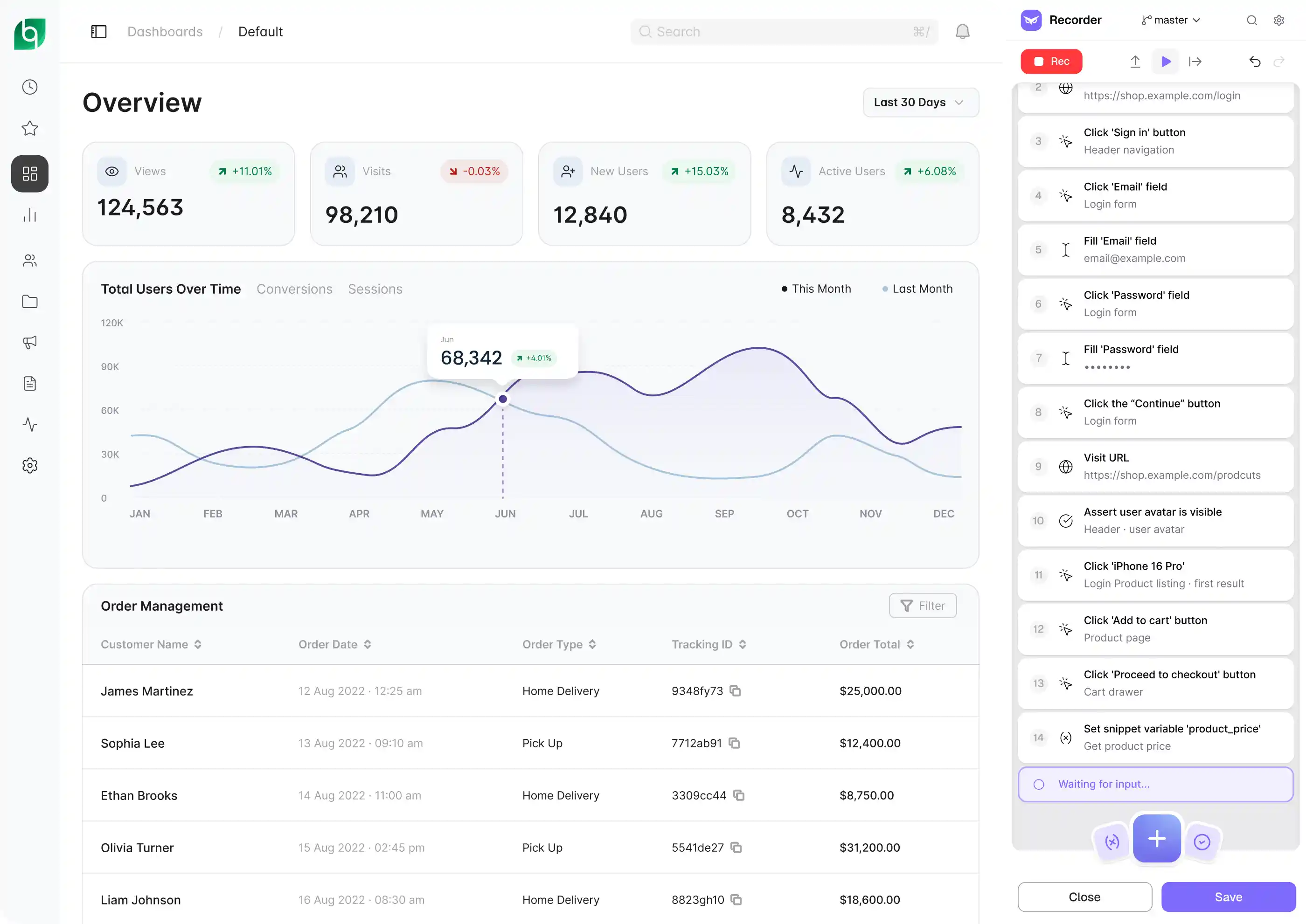
Step 1
Record
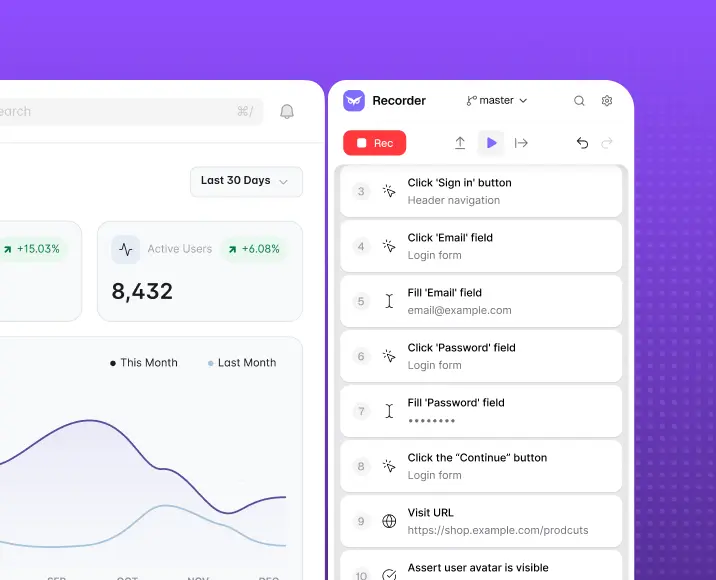
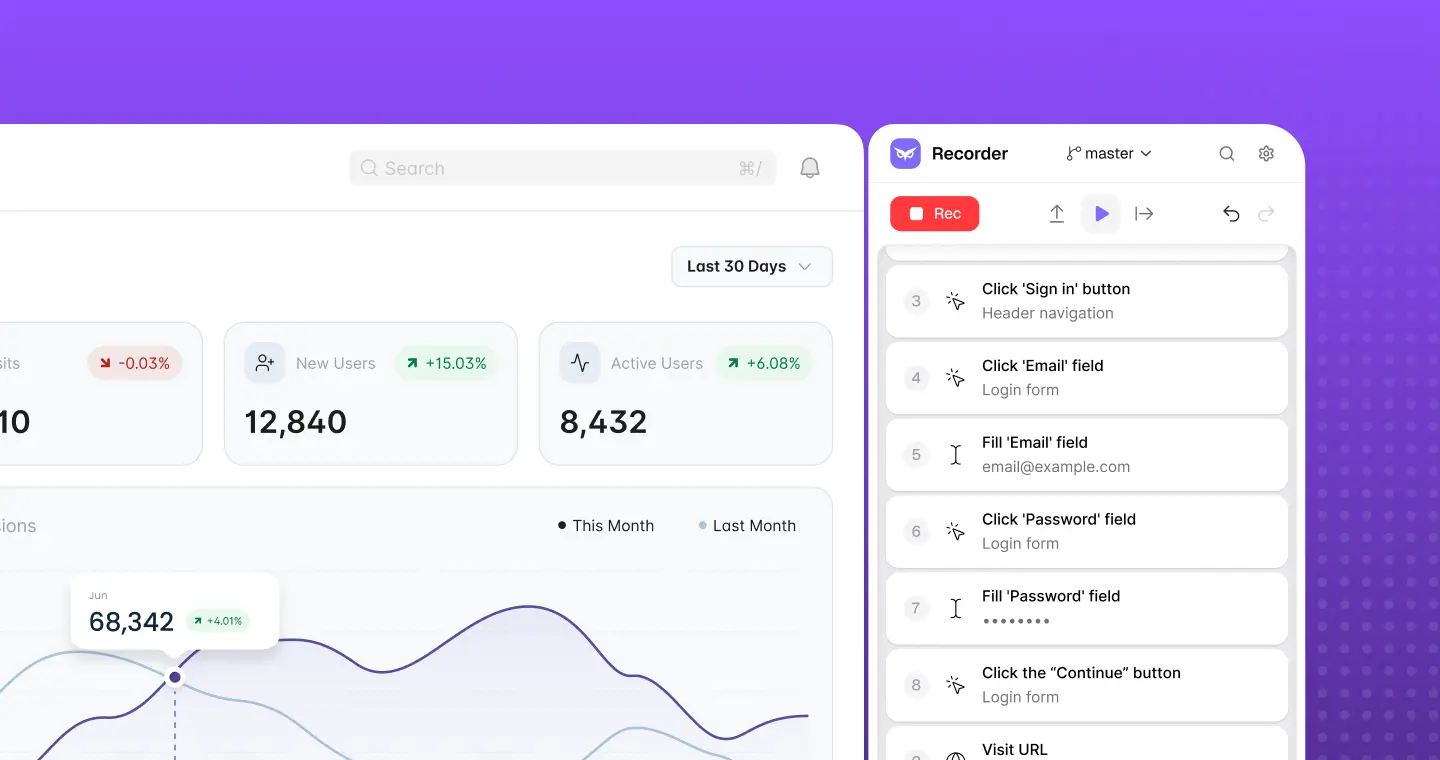
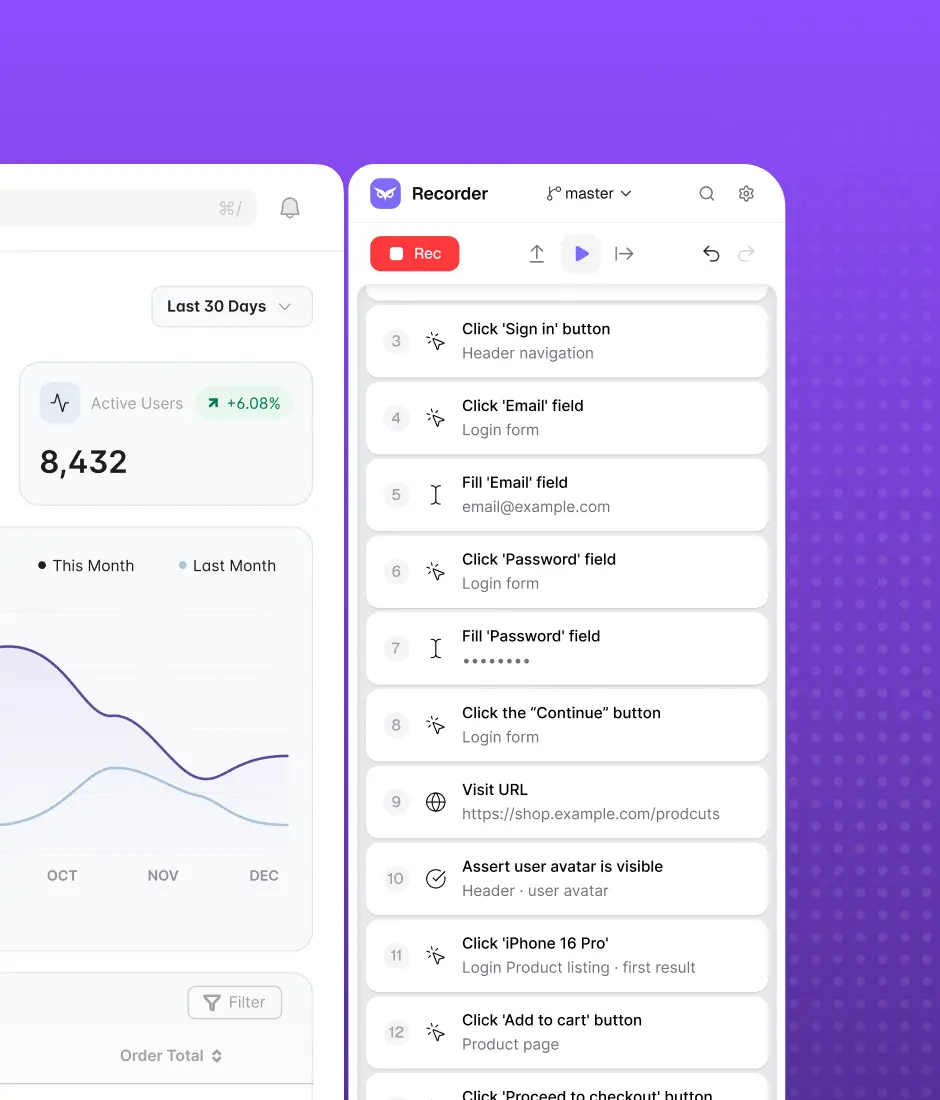
Install the desktop app and record the flows that matter most — login, checkout, onboarding, key user journeys. Eye captures every interaction. Add assertions on elements, URLs, cookies, variables, and emails. Build branching logic, reusable flows, and data-driven scenarios with DataTables. No code required — but JS snippets are there when you need them.
Step 1
Step 2
Expand
Once the core flow is recorded, submit it for expansion if needed. Our QA team adds edge cases, negative scenarios, error states, and cross-browser assertions — and delivers back a fully structured test ready to run. You review it, request changes if needed, and add it to your suite.
Step 2
Step 3
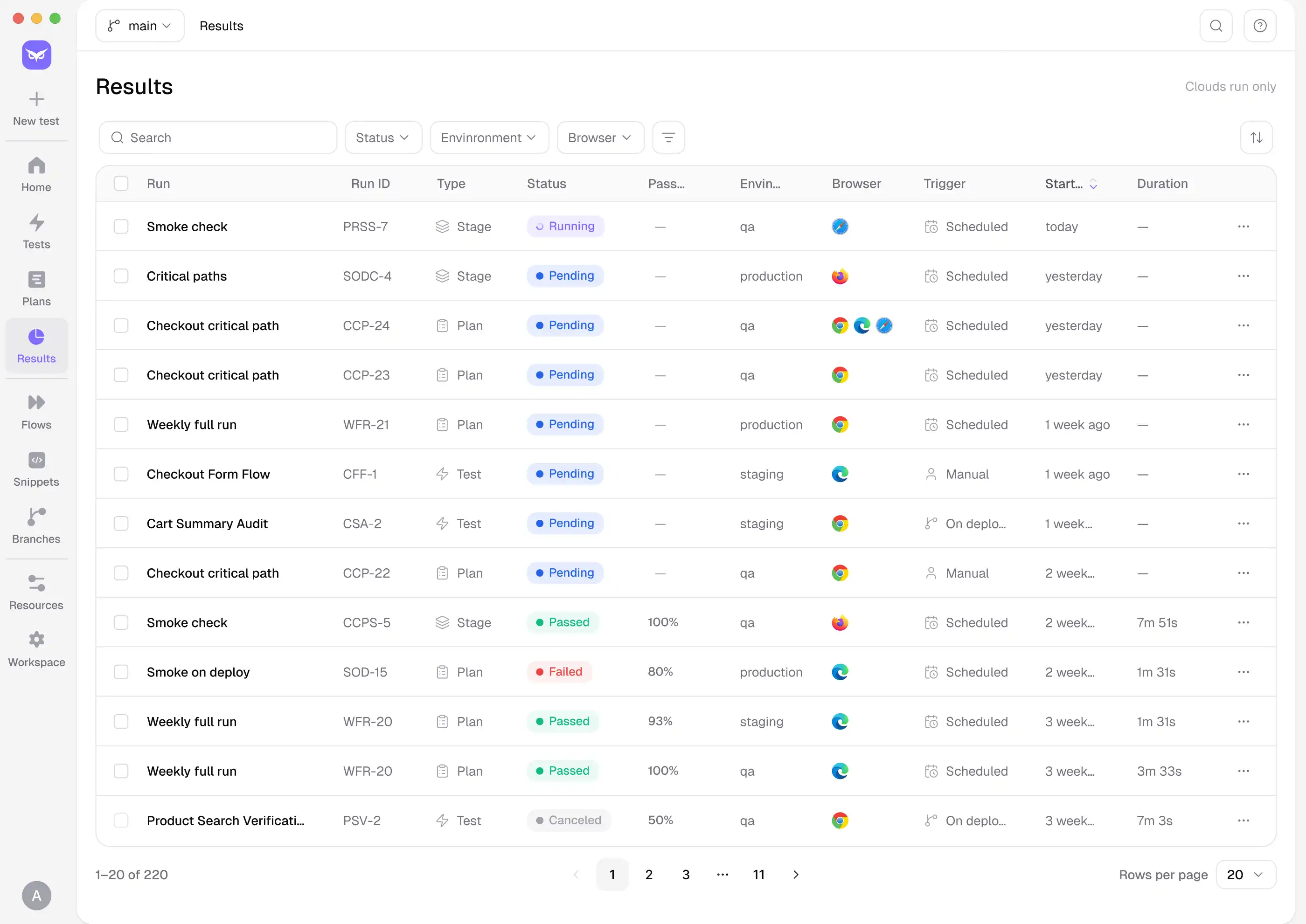
Run
Link Owlity to GitHub Actions, Jenkins, or Azure DevOps. Set your trigger — on every deploy, on a schedule, or manually. Configure parallel runs across Chrome, Firefox, Safari, and Edge with automatic retries on flaky steps. Your entire suite runs without anyone clicking a button.
Step 3
Step 4
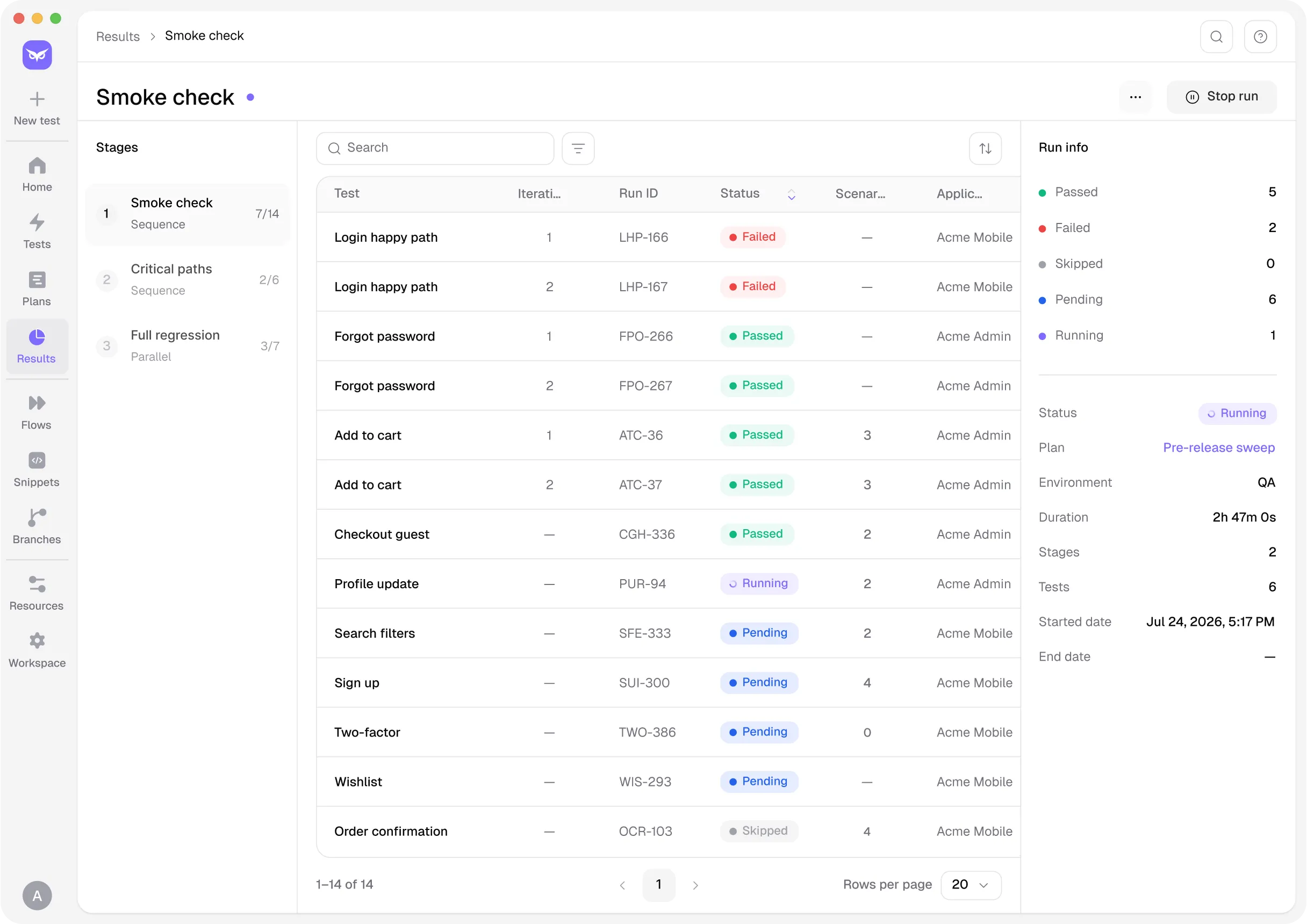
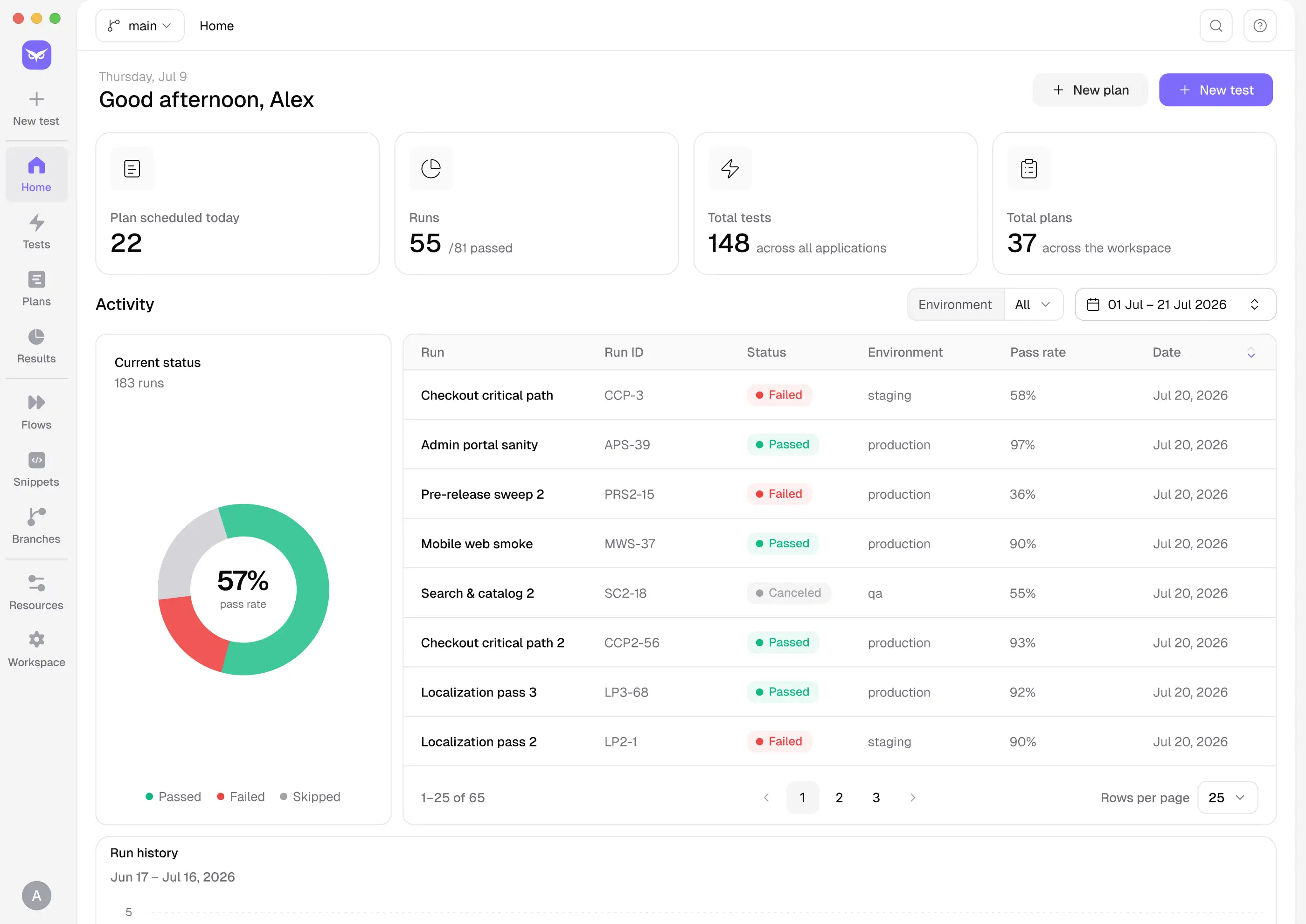
Review
Every run produces a full artifact set — video recording, screenshots, network logs, and a step-by-step timeline. When something fails, you know exactly what broke, on which browser, at which step. Push failures directly to Jira or Linear, or export a CSV report for stakeholders.
Step 4

INTEGRATIONS

Fits into your development ecosystem

Owlity plugs into the tools your team already uses — CI/CD pipelines, issue trackers, and developer workflows — so testing runs where your work already happens.

Works with

GitHub ActionsLogo
Azure DevOpsLogo
JenkinsLogo
JiraLogo
LinearLogo

Zero config to get started.

backgroundbackground

Get started

Build test automation foundation for reliable software

Start recording tests today. Expand coverage if you need it. Run test automation at scale.

FAQ

Questions? We have answers

No. The recorder works for anyone who can use a browser — no scripting, no framework knowledge required. Advanced options like JS snippets are available when you need them.
Selenium and Playwright are frameworks — you write and maintain code. Owlity is a platform — you record flows and Owlity handles execution, infrastructure, and reporting. No scripts to write, no selectors to maintain.
Start with your most critical flows and expand from there. For anything you don't have time to record, our QA team can build tests from scratch — describe the flow and we deliver a ready-to-run test.
The step editor lets you update specific steps without re-recording the whole flow. For bigger changes, re-recording typically takes a few minutes.
Yes. Owlity supports multi-environment runs — staging, pre-production, and production — from a single suite configuration.

I have more questions. Contact us