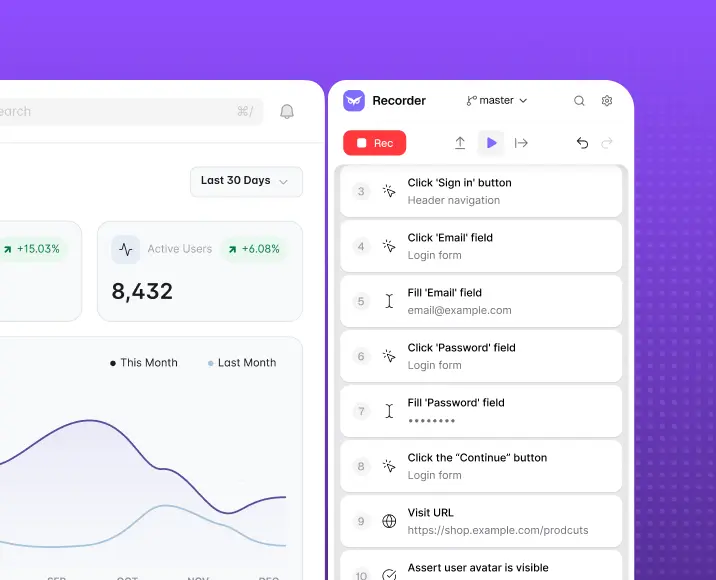
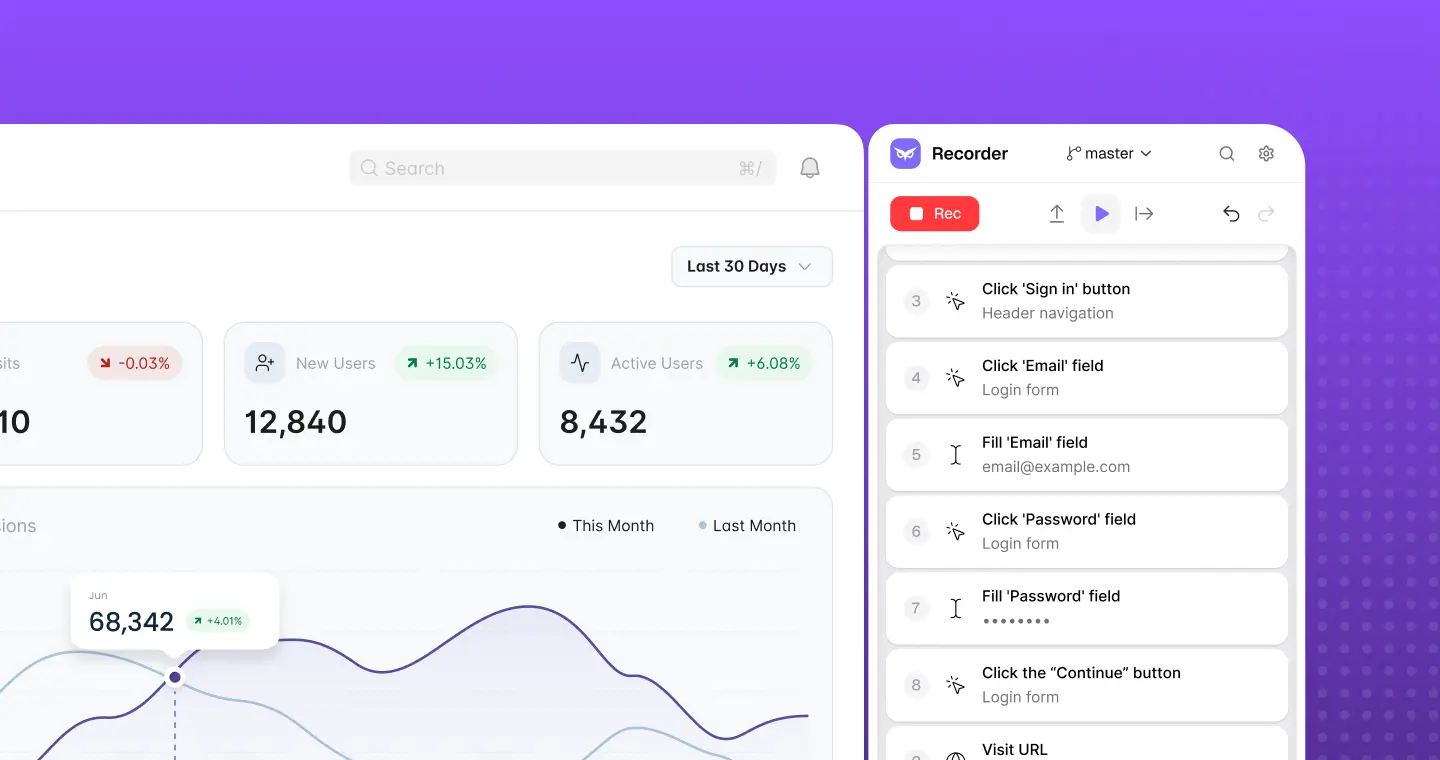
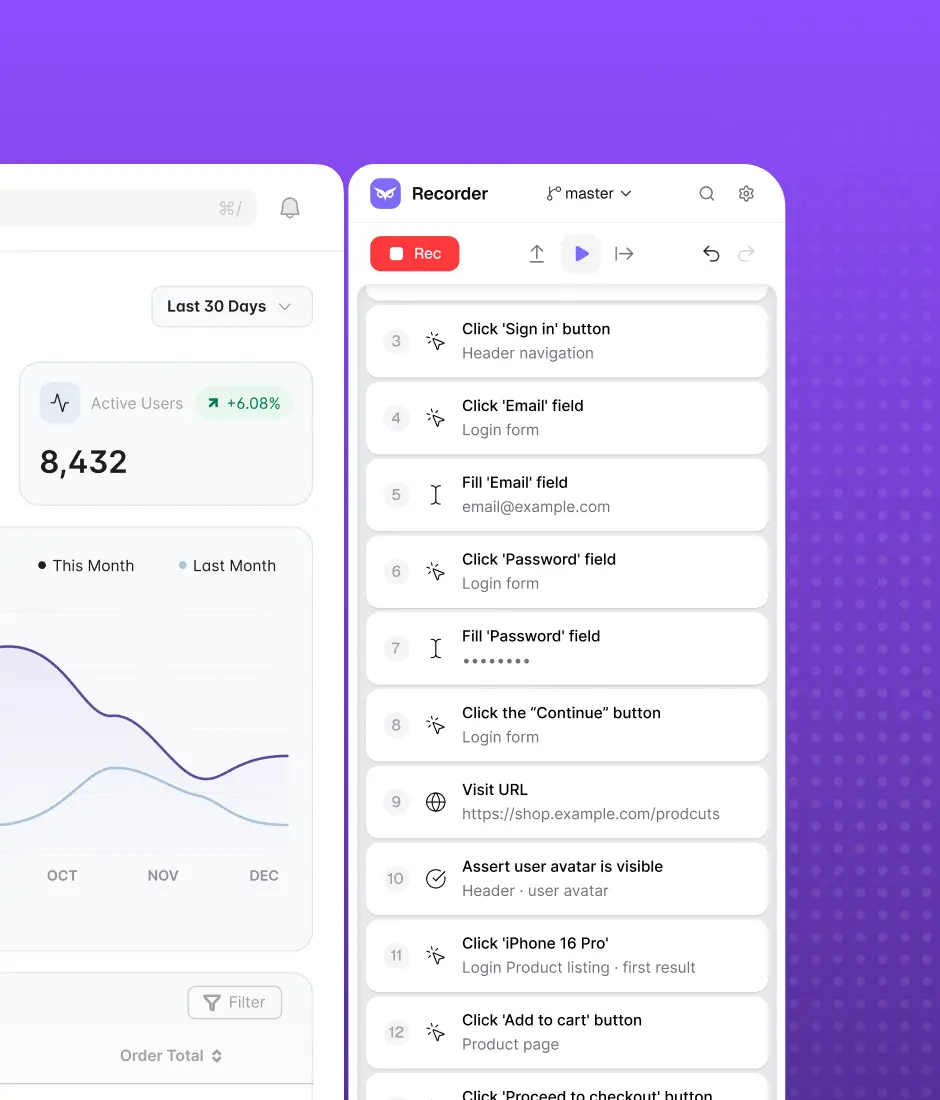
Skip the demo. Try it instead
Download Owlity, record your first test, watch it run in the cloud.
No credit card required.


Record how data flows across connected systems — payments, CRMs, email, third-party APIs — or describe the flow and let AI build the test. Catch breakages before they reach production. No framework to learn, no test code to maintain.








Integrations fail silently

Problem
A broken connection between your app and a third-party service often goes unnoticed until a customer hits it.

Solution
Owlity verifies the full path — from the triggering action to the downstream result. Write the expected outcome in plain words — "the payment goes through and the confirmation email arrives" — and AI turns it into a check that reports what matched and what didn't. Silent failures get caught before customers do.
Testing across systems is hard to maintain
Problem
Integration tests break constantly as APIs, vendors and internal services change on their own release cycles.
Solution
When a vendor changes its interface, AI finds elements by meaning instead of failing the test. When your own flow changes, describe the change and the test updates. Our QA experts keep the coverage complete as connected systems evolve.


No framework dependency
Owlity works at the browser level — no Selenium, no Playwright, no Cypress to configure or upgrade. Your tests are defined by what your systems actually do together, not by what your toolchain supports.

Built for connected, changing systems
Integration points shift constantly — new vendors, new API versions, new internal services. When something upstream changes, AI finds the changed elements by meaning and shows its confidence, and when a test does fail, it tells you whether the cause is your product, the test, the data or the environment — so a flaky vendor doesn't look like your bug.

Coverage backed by expertise
When your team builds the core integration path, our QA team can expand it to full coverage — failure states, timeouts, partial syncs, edge-case data. You get 95% coverage without spending your sprint on it.
Platform
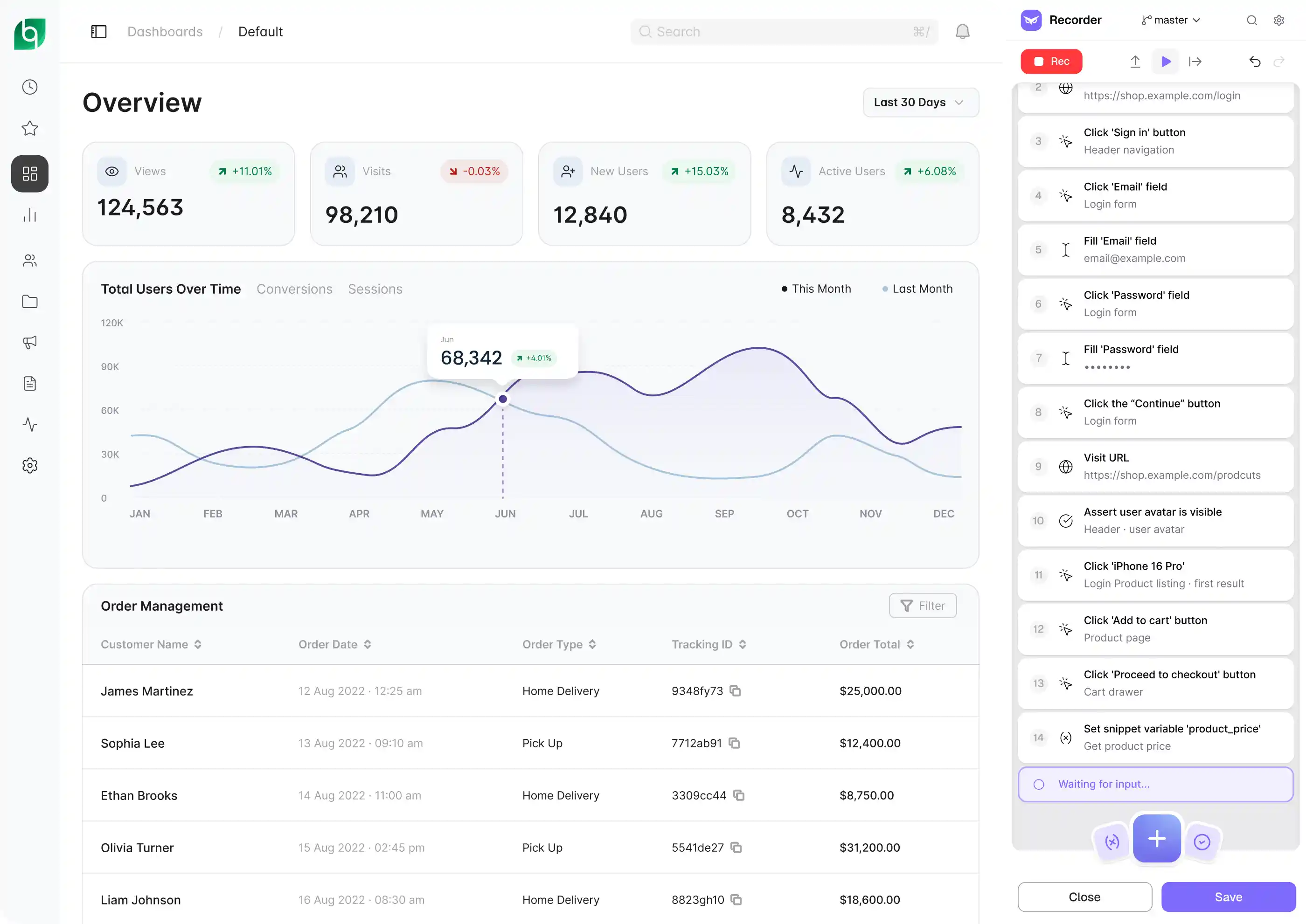
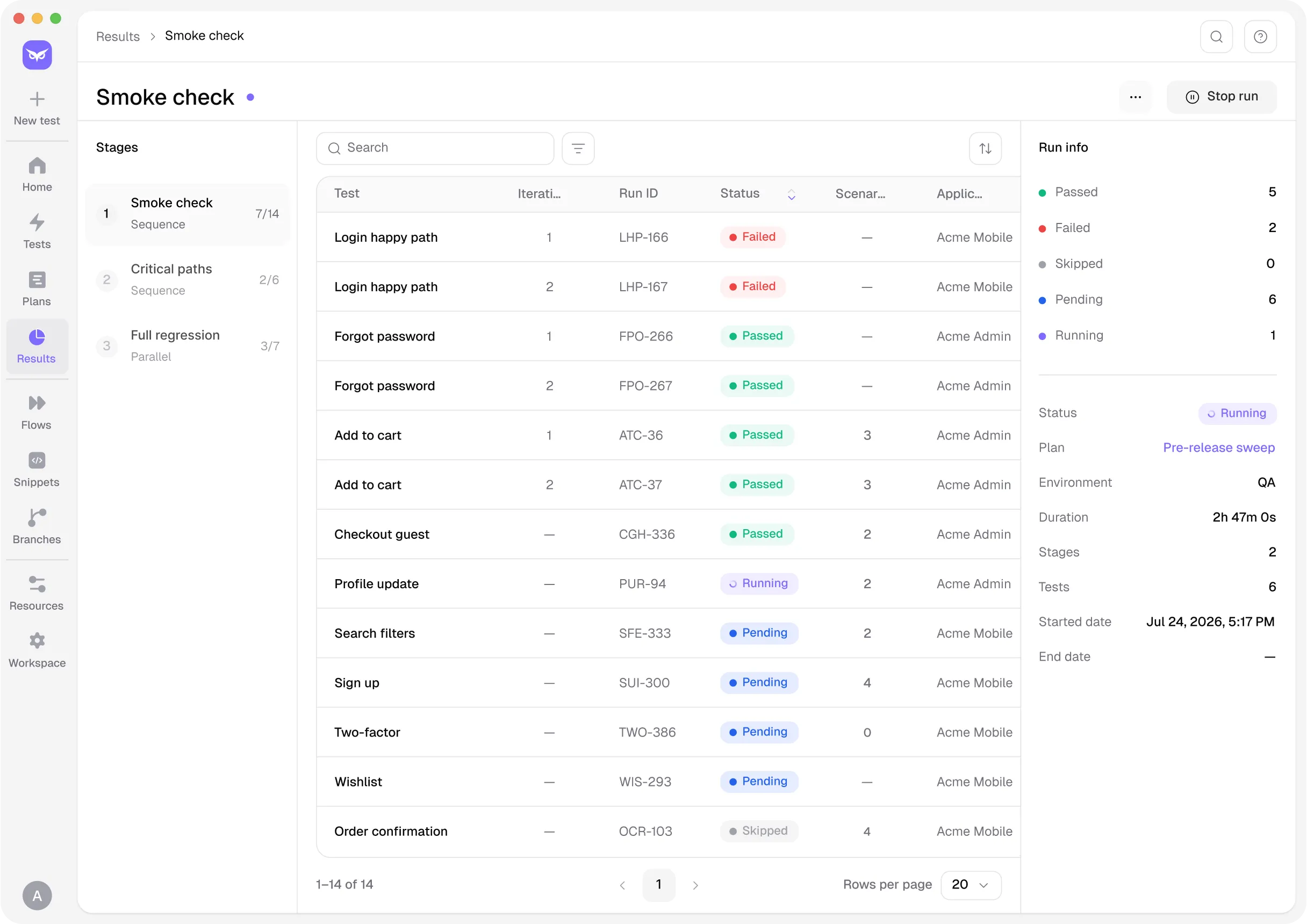
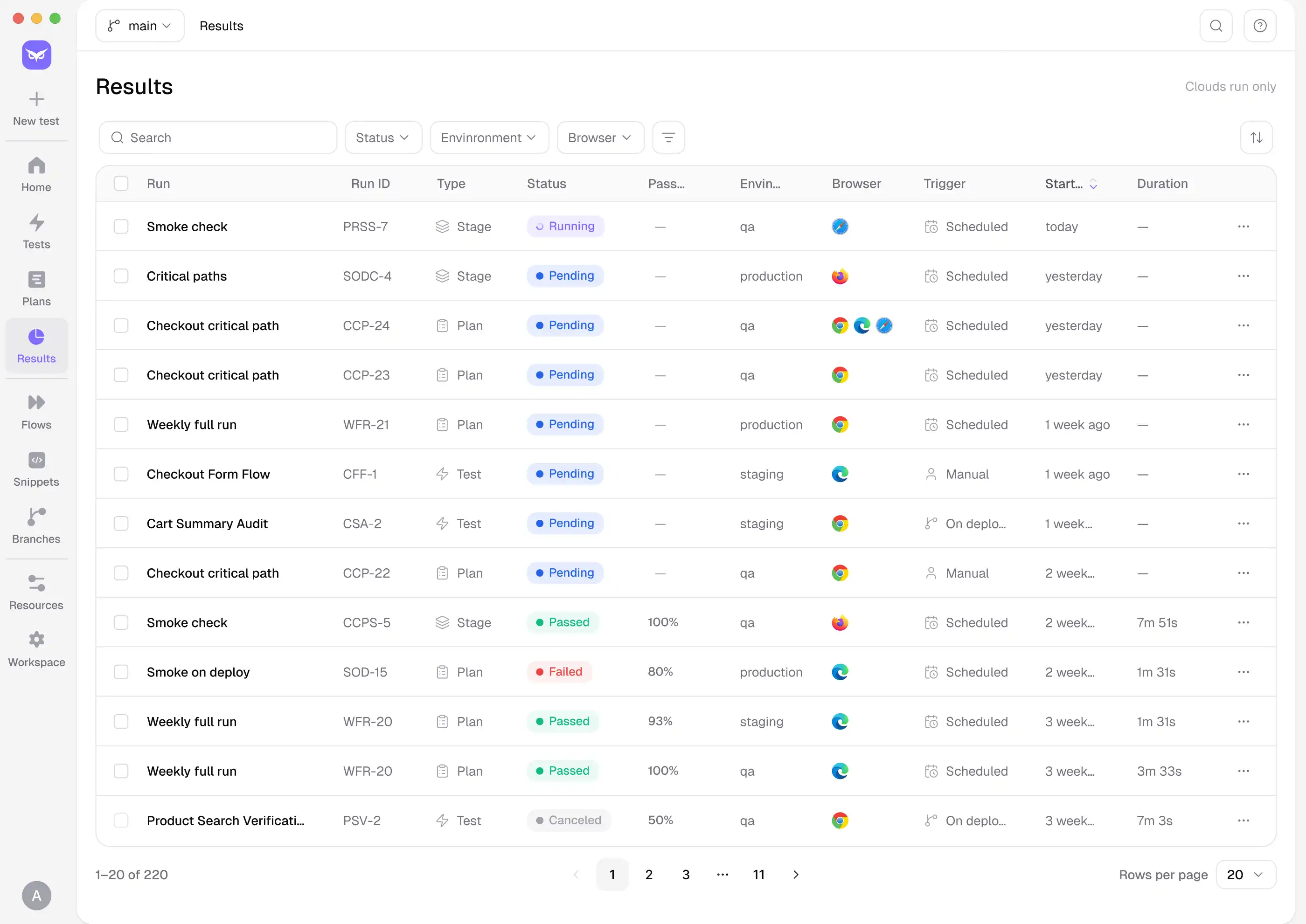
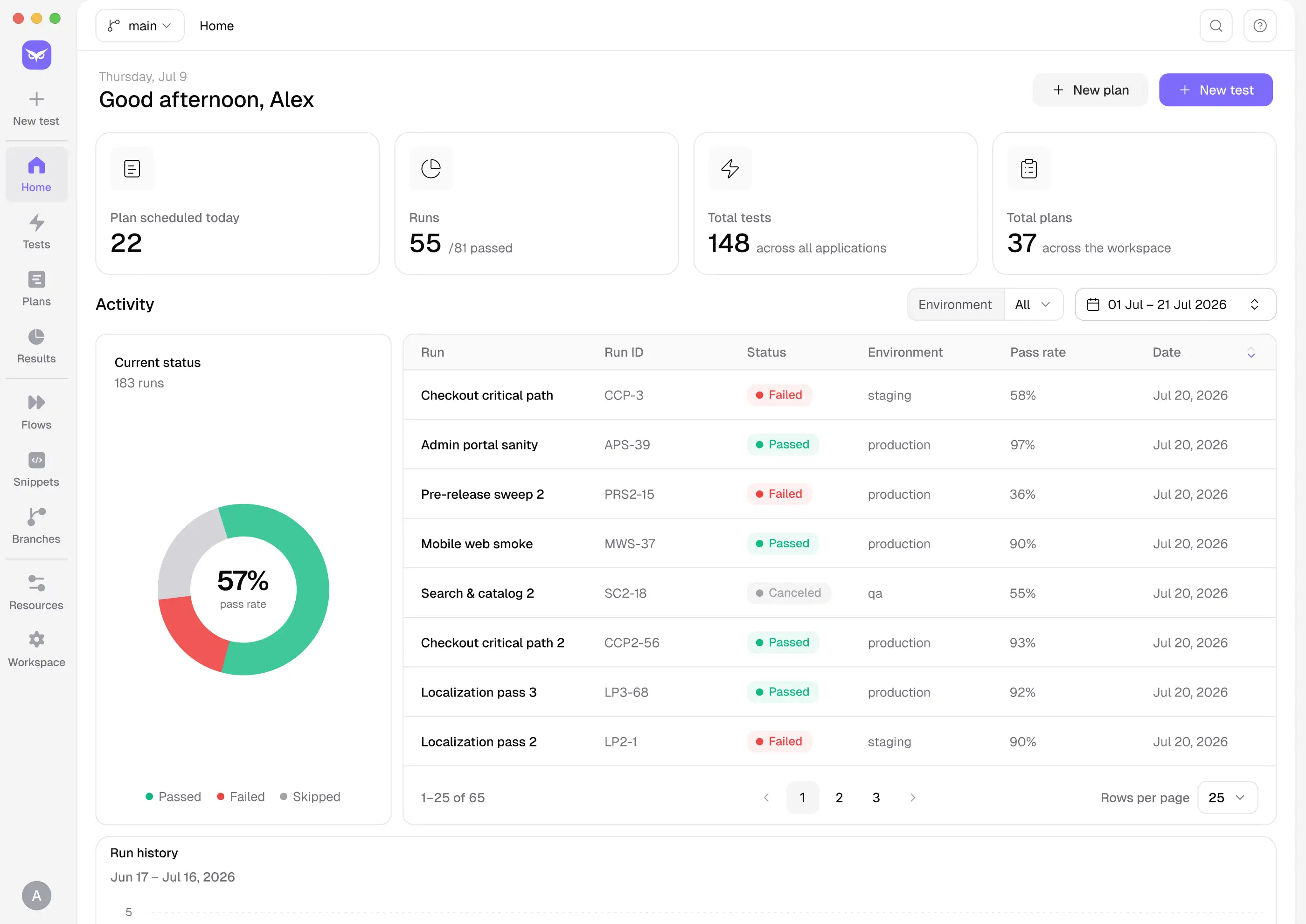
From the first flow to full CI coverage — step by step.
INTEGRATIONS
Owlity plugs into the tools your team already uses — CI/CD pipelines, issue trackers, and developer
workflows — so integration testing runs where your work already happens.
Works with


Zero config to get started.
See integrations

Get started
Describe your key integration flows, expand coverage with our QA team, and run checks before every release.
FAQ
I have more questions. Contact us