Skip the demo. Try it instead
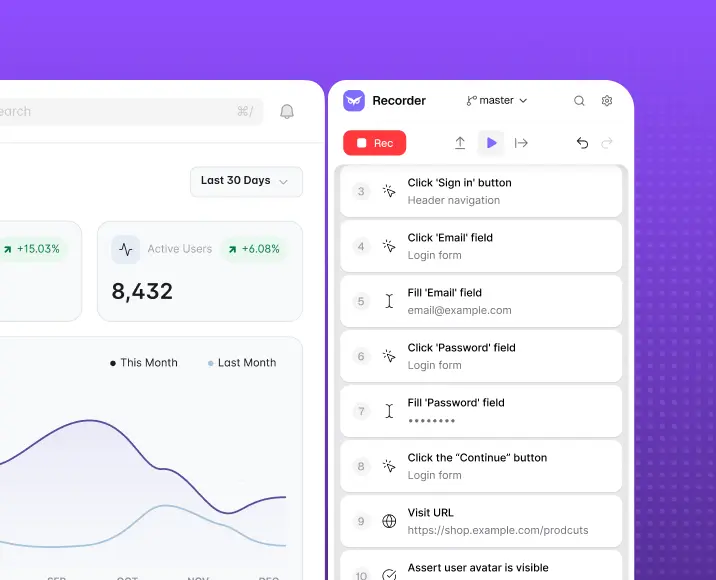
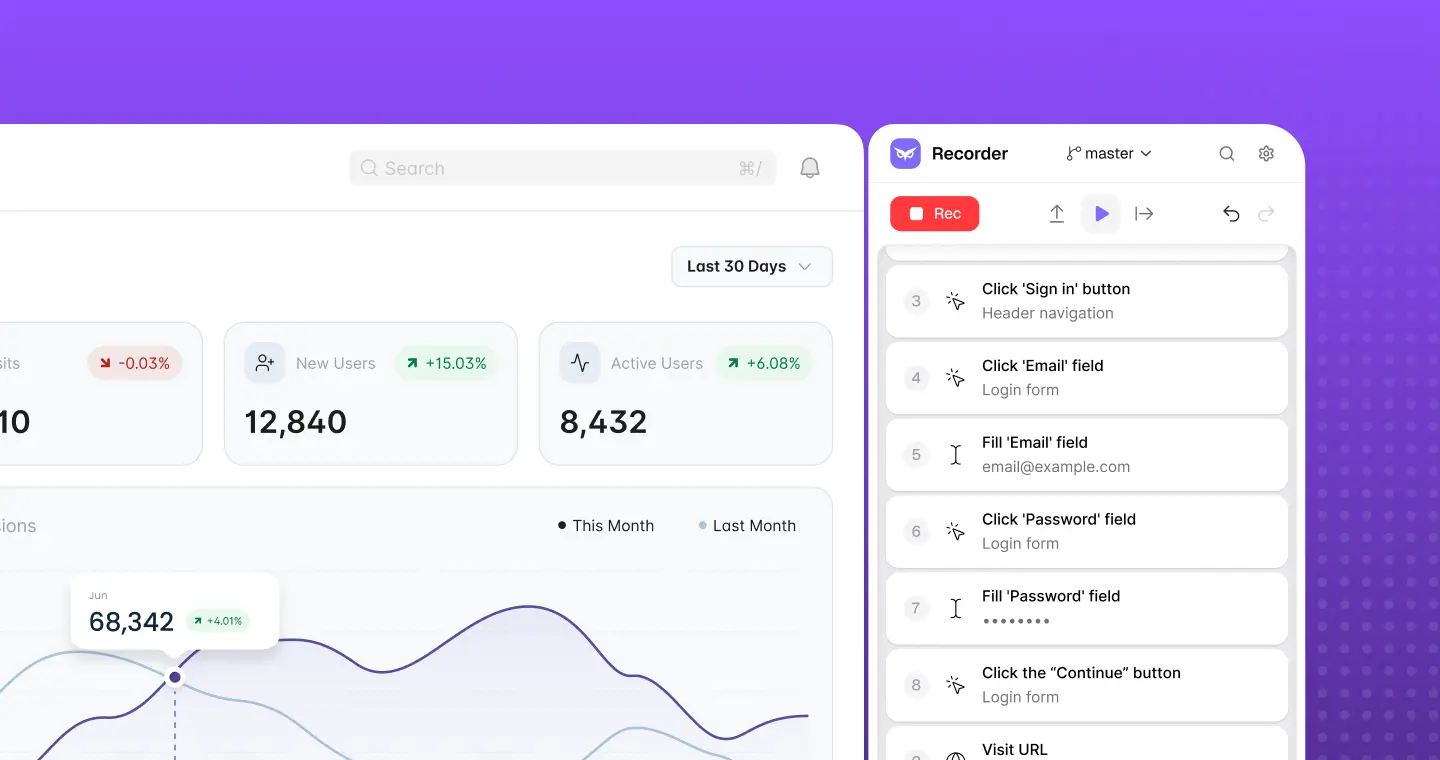
Download Owlity, record your first test, watch it run in the cloud.
No credit card required.


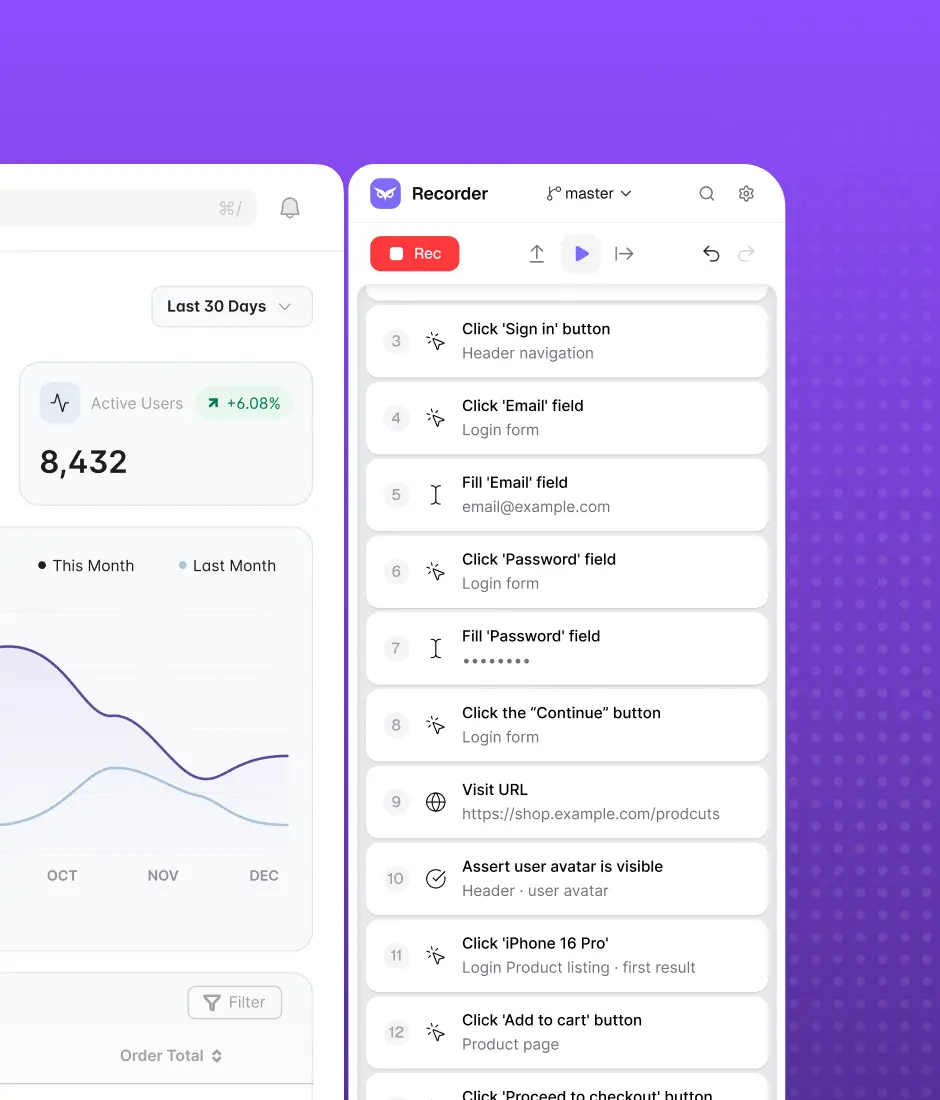
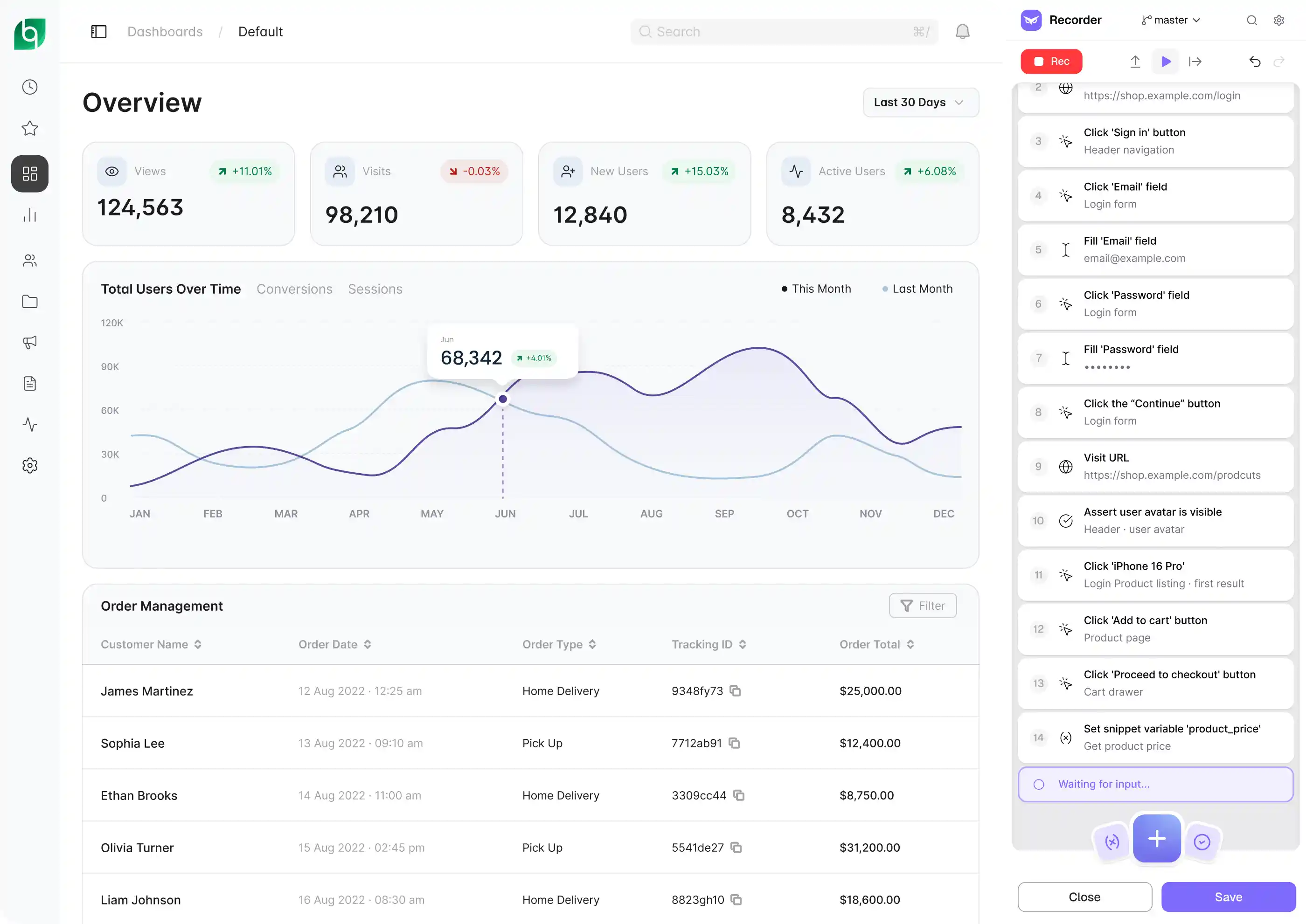
Record your critical functional flows or describe them and let AI build the tests. Expand them to full coverage with our QA team, and run them on every deploy — across every browser, every environment.








Functional testing is time-consuming and repetitive

Problem
Verifying that every feature works after every change means clicking through the same flows over and over — manually, before every release.

Solution
Record a functional flow once, or describe it and AI builds the test. Then it runs on every deploy. Owlity handles the repetition so your team doesn't have to.
New features break existing functionality
Problem
Every time a new feature ships, something that worked before has a chance of breaking. Without automated functional tests, you find out when users do.
Solution
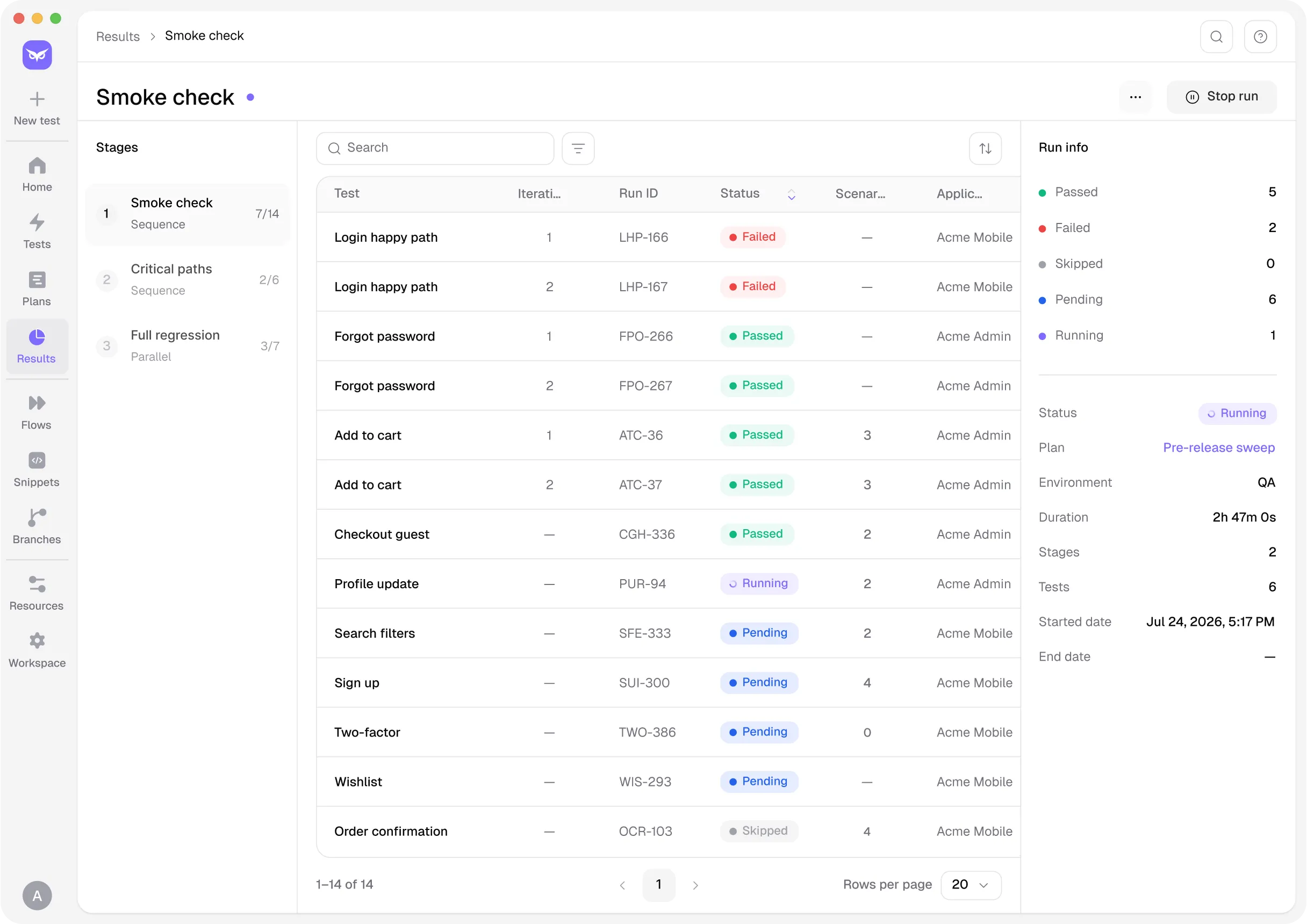
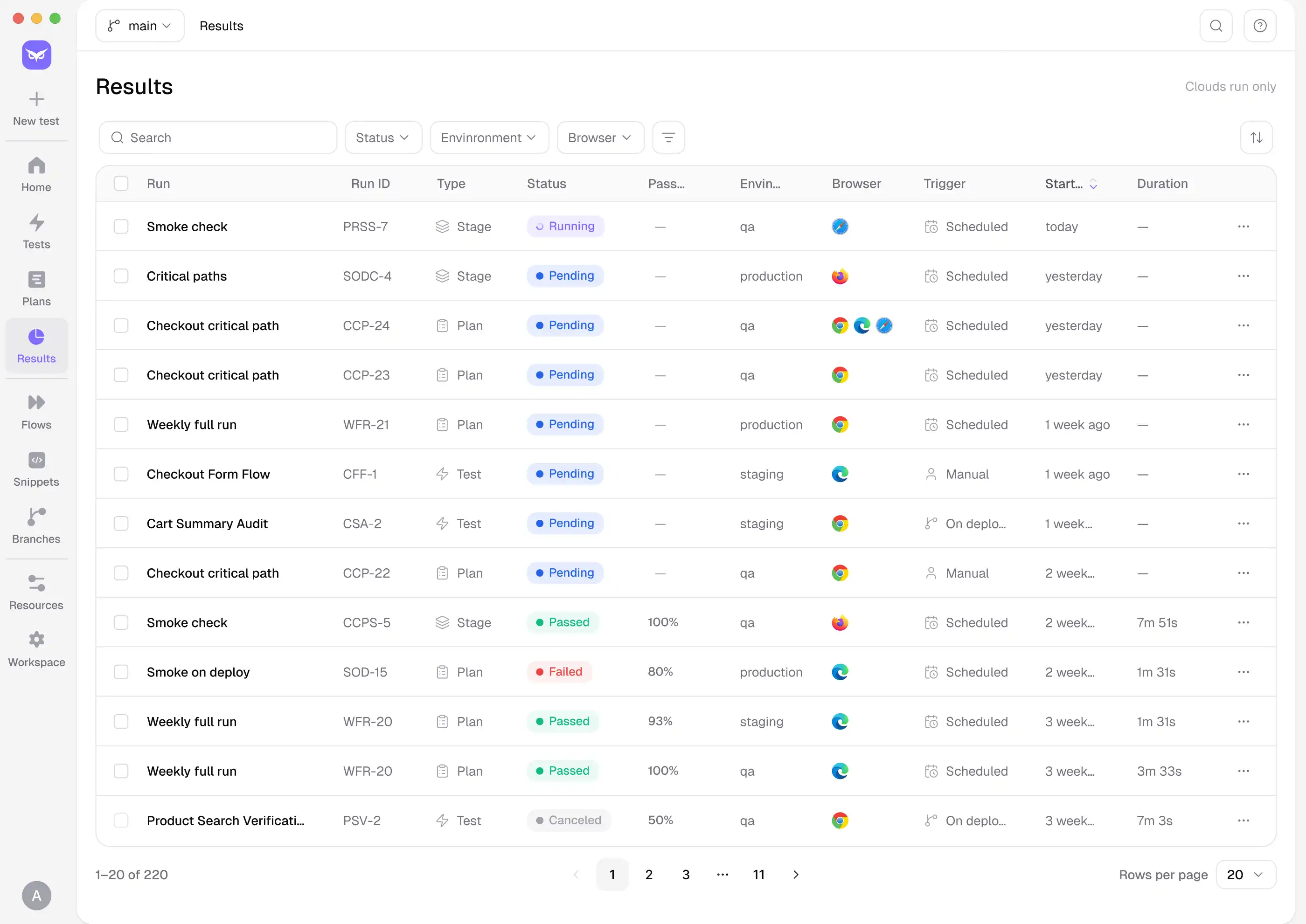
Owlity runs your full functional suite on every deploy and catches regressions before they reach production. When the UI changes, AI finds elements by meaning, so the suite keeps running — automatically, every time.


Tests every layer of your product
Functional testing verifies that every feature works as expected — right inputs, right outputs, every time. Owlity captures the full picture: form submissions, validations, state changes and multi-step interactions. Write the expected result in plain words — "the form shows a success message and the record appears in the list" — and AI turns it into a check that reports what matched and what didn't.

Handles real-world complexity
Modern web apps aren't simple. Owlity handles authentication flows, dynamic content, data-driven scenarios and conditional branching — with variables, DataTables and JS snippets for anything custom.

Coverage backed by 16 years of expertise
Building what works is the easy part. Knowing what to test beyond the happy path takes experience. Our QA team builds out the functional coverage that actually catches bugs — based on 16 years of shipping production software.
Platform
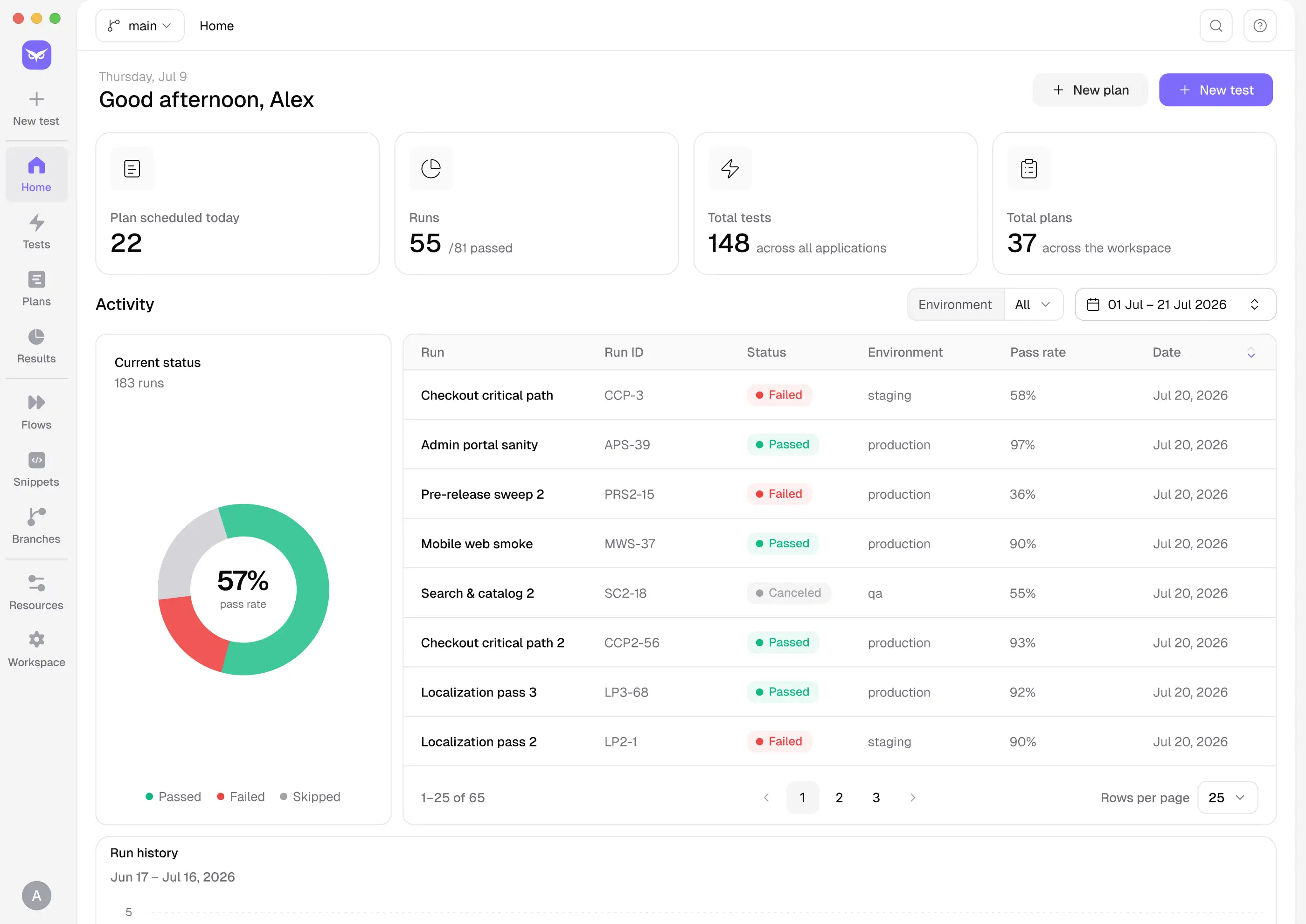
From first test to full functional coverage — step by step.
INTEGRATIONS
Owlity plugs into the tools your team already uses — CI/CD pipelines, issue trackers, and developer
workflows — so functional testing runs where your work already happens.
Works with


Zero config to get started.
See integrations
Get started
Describe your critical flows today. Expand coverage when you need it. Ship every release knowing your features work as expected.
FAQ
I have more questions. Contact us