Skip the demo. Try it instead
Download Owlity, record your first test, watch it run in the cloud.
No credit card required.


Run your full test suite on every deploy — across every browser, in parallel — and know within minutes whether a release is safe to ship. When something fails, AI tells you why.








 Hours or daysSomeone remembersOne at a timeRarely fully covered"Something broke"Re-test everything by handBest effort
 MinutesEvery deploy, automaticallyAll major browsers in parallelBuilt by our QA team on demandRoot cause explained by AI, with video, logs and screenshotsAI finds changed elements by meaning, tests keep runningUp to 95%

Runs on every deploy — automatically
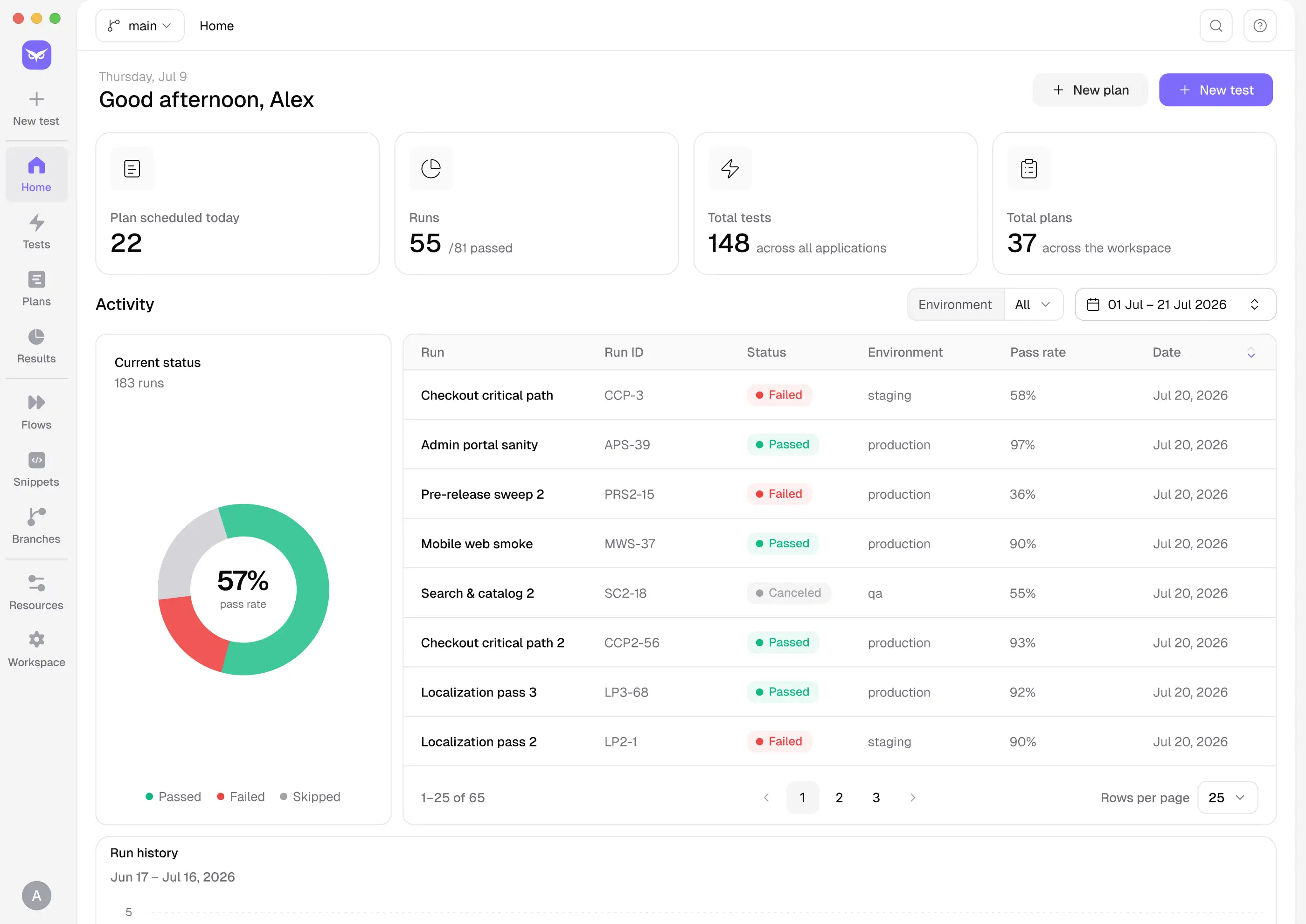
No one needs to remember to trigger regression. Connect to your pipeline once and every deploy gets verified — before it goes live.

Results before the release goes live
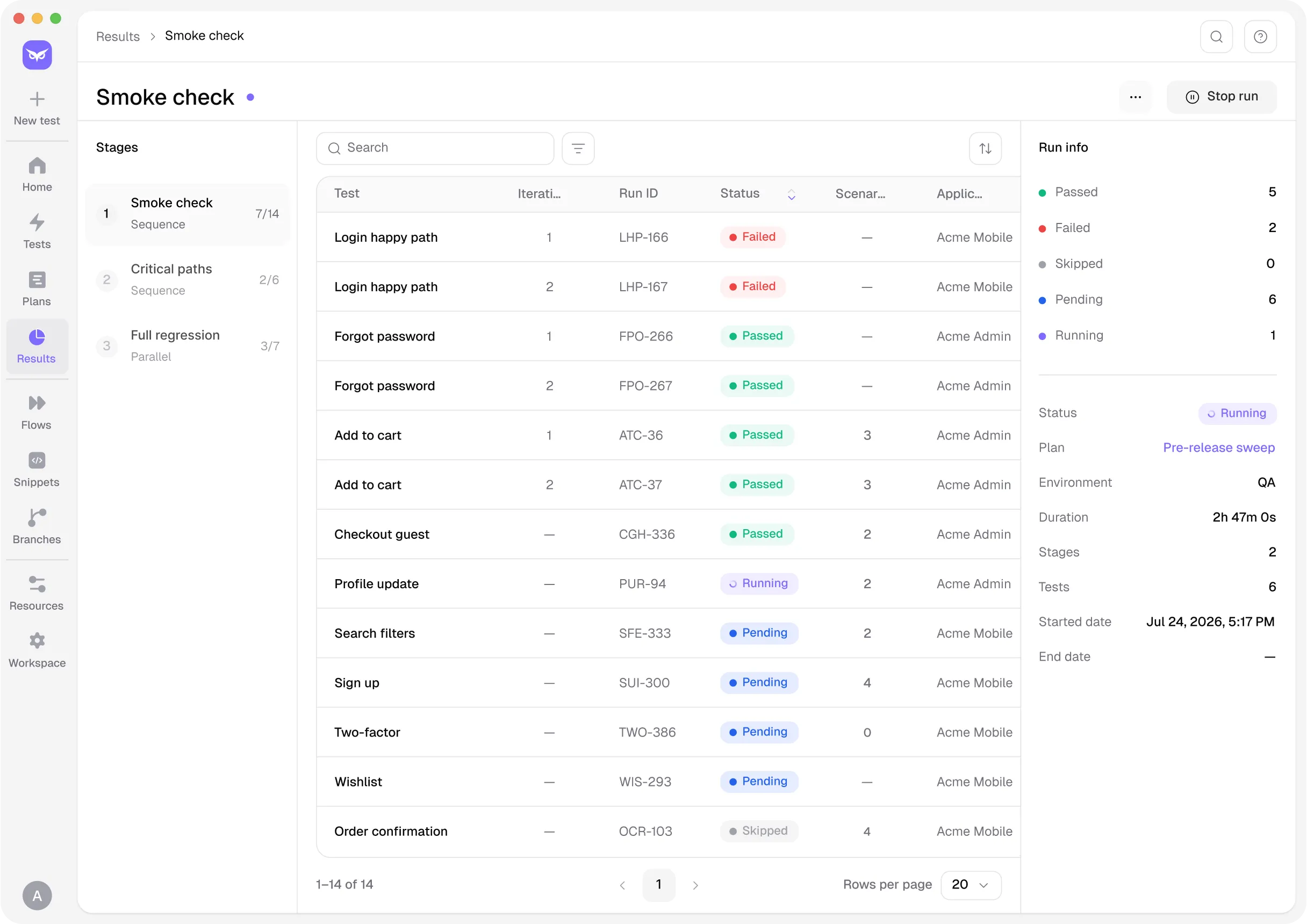
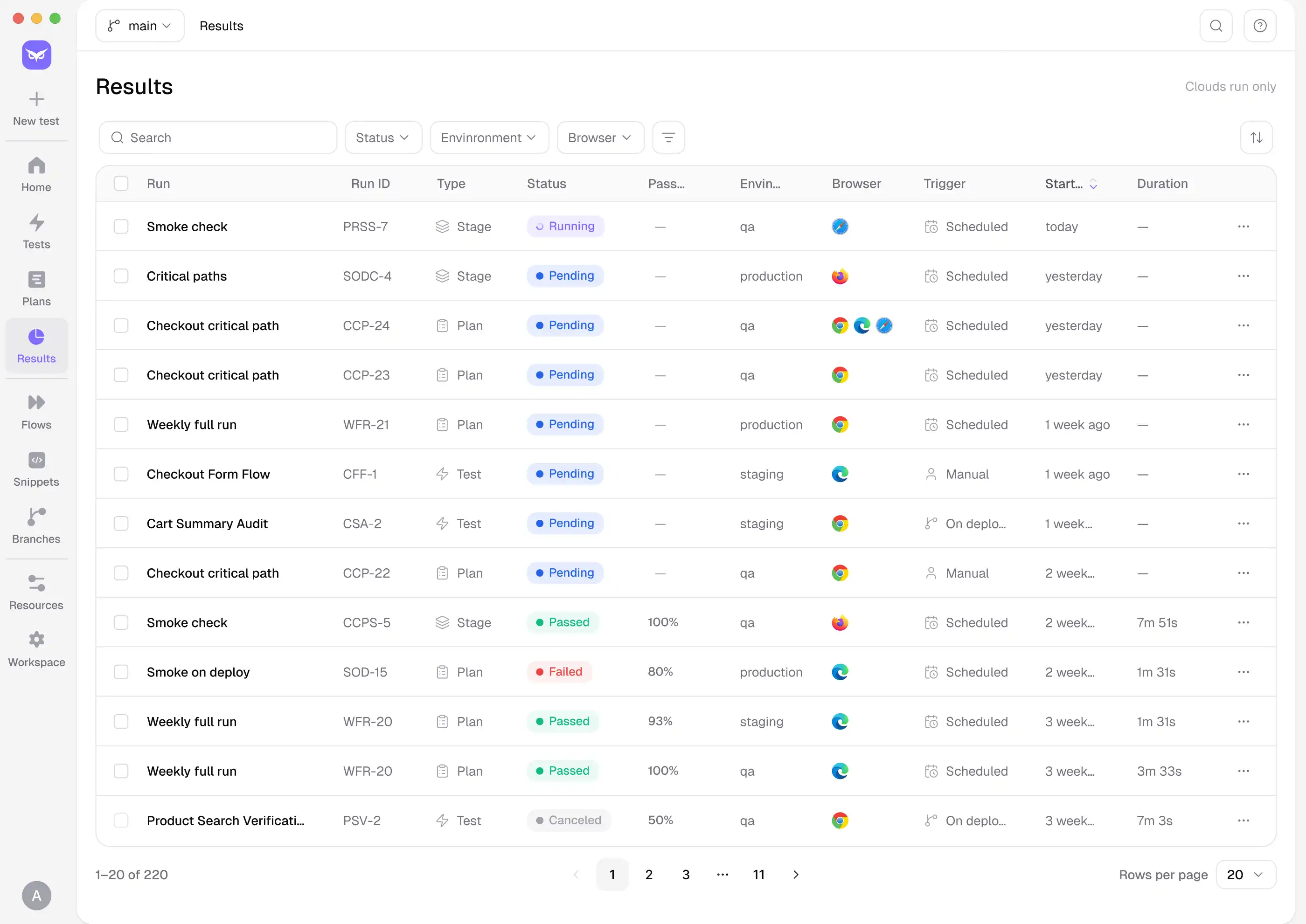
Parallel runs across Chrome, Firefox, Safari and Edge mean your full regression suite completes in minutes. You know what passed, what failed and why — AI points to the likely root cause and labels each failure as product bug, test issue, data or environment — before anyone approves the release.

Coverage that grows with your product
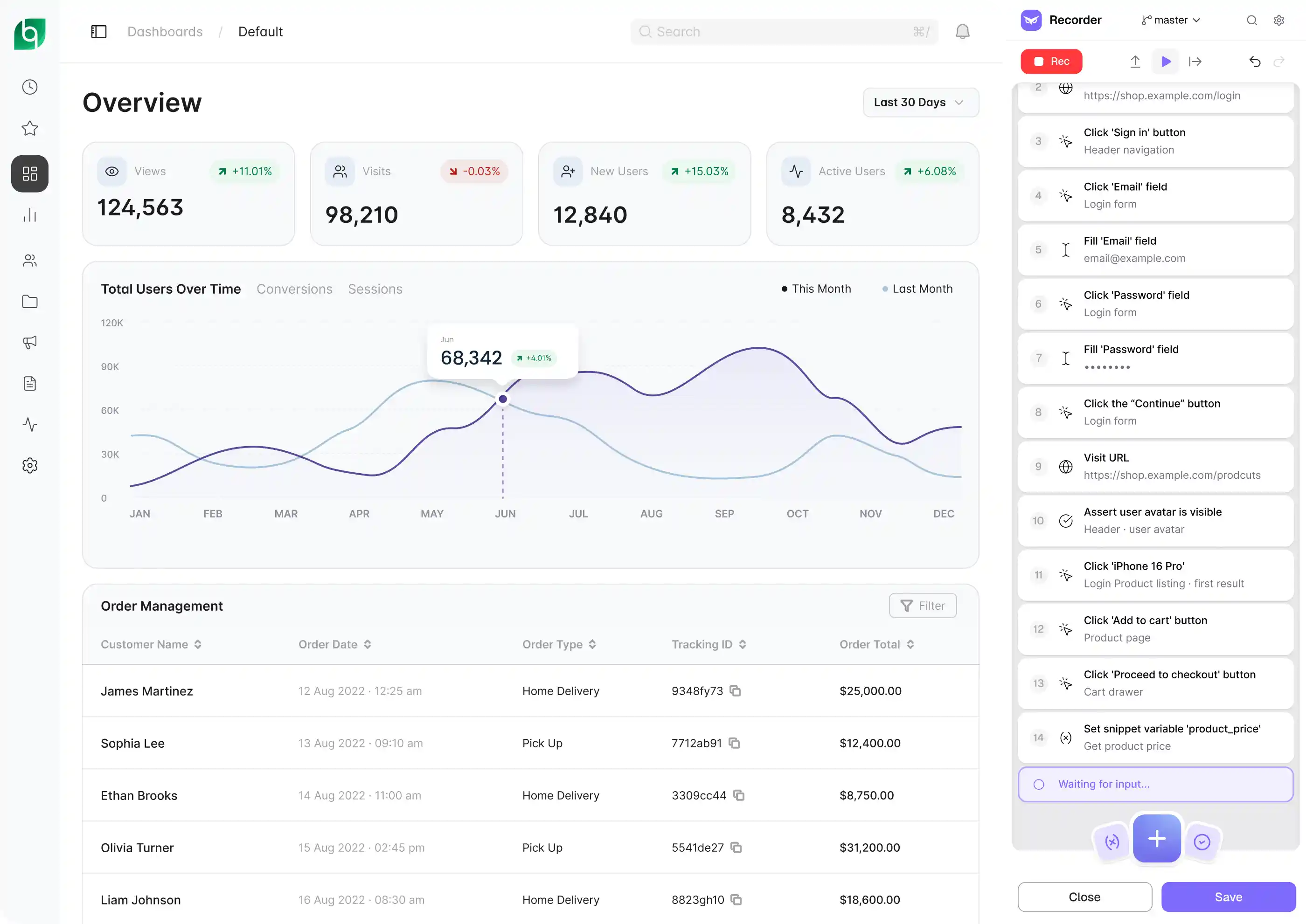
As new features ship, add them to your regression suite — record the flow, or describe it and AI builds the test. When the product changes, describe the change and the test updates. Our QA team can expand any flow to cover edge cases and error states, so your suite stays complete as your product evolves.
Platform
From zero to automated regression — step by step.
INTEGRATIONS
Owlity plugs into the tools your team already uses — CI/CD pipelines, issue trackers, and developer
workflows — so regression runs where your work already happens.
Works with


Zero config to get started.
See integrations

Get started
Describe your critical flows today. Expand coverage when you need it. Ship every release with confidence.
FAQ
I have more questions. Contact us